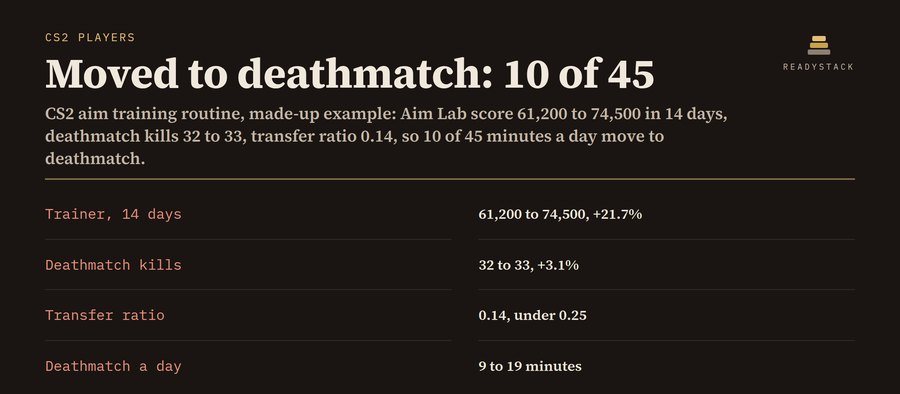
Example (made-up): 45 minutes a day, 5 days a week, weak spot flicks. In 14 days the Aim Lab score went from 61,200 to 74,500 (+21.7%), but kills in a 10-minute deathmatch only went from 32 to 33 (+3.1%). That is a transfer ratio of 0.14, under 0.25. So 20 trainer minutes a day were not showing up in matches, and the routine moves 10 of 45 minutes to deathmatch: 50 minutes a week back where the aim meets movement, peeks and recoil.
"Absolutely not worth the time you could just use playing actual games." (an Aimlabs review on Steam). This routine measures the thing that matters: your trainer number and your deathmatch kills, side by side. When the first rises and the second does not, it moves minutes to deathmatch and tells you how many. This CS2 practice routine tracker and training schedule runs in your browser, with no account, no install and no game files touched.
Today's routine
| Block | Minutes | Was | Today's drill |
|---|
Your first week, dated
| Day | Routine |
|---|
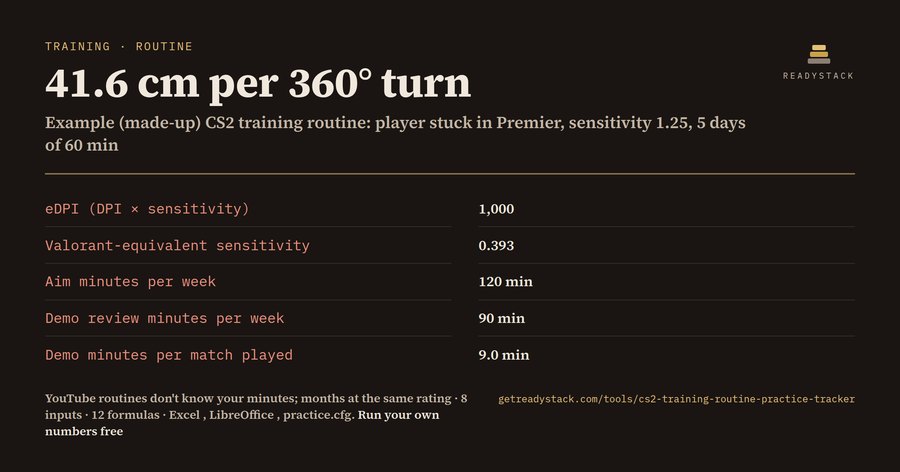
Rules, written out: minutes are split warm-up / isolated aim / counter-strafe and spray / crosshair placement / deathmatch by weak spot: flicks 10/45/10/15/20%, spray 10/25/30/15/20%, crosshair placement 10/25/10/35/20%, counter-strafing 10/25/25/20/20%, rounded to whole minutes (largest remainder). Transfer ratio = deathmatch change ÷ trainer change. If the trainer rose 5% or more and the ratio is under 0.25, half of the isolated-aim minutes move to deathmatch. Under 5% the trainer is flat: raise the task one step, minutes stay. cm/360 = 360 ÷ (DPI × sensitivity × 0.022) × 2.54, with 0.022 the CS2 default m_yaw (totalcsgo.com, read 2026-11-12). This is a practice planner, not a promise of rank.
Pro, $5.99 per month or $39 per year: a daily log of minutes, trainer number and deathmatch kills; a weekly progress chart; the routine re-checks itself from your log (first 3 vs last 3 days of the last 28) and moves the minutes for you; routine history; training-day reminders (.ics); print; CSV and backup. Get Pro · $5.99 / month
Pro: daily log, weekly chart, routine from your log
Weekly progress
| Week of | Days | Minutes | Trainer avg | DM kills avg | Trainer vs last week | DM vs last week |
|---|
Routine history
Your key
CS2 aim training routine · runs in your browser · nothing uploaded · not affiliated with Valve, Aim Lab or KovaaK's
This tool is 1 of 333 paid tools in English. All 333 with one key: Freelancer & Small Business Pass — $9.99/month · $79/year · Deadline reminders by email (free)
More tools for the same work
Questions and answers
What does this page do?
A CS2 aim training routine for your minutes a day and your weak spot, a block-by-block timer, your cm/360 from DPI and sensitivity, and a check that tells you if trainer gains show up in deathmatch kills.
Is it free?
Yes. The free version on this page works without an account. The full version costs $5.99 / month.
How do I use it?
1. Put your own numbers into the free version below — no sign-up. 2. Your result shows up right here, as you type. 3. Want to keep it, print it or do it again next time? That is what the full version adds — see "What you get".
Ask about this tool
One question, answered by the person who built it. Your email only if you want the answer sent.
For a team or company: for an invoice with your company details, a quote or several licences, write to support@getreadystack.com.
Who is behind this page
ReadyStack is a small team. We build each tool for one job people keep asking about, from the rules and sources named on the page, and we run it on the worked example you see here before it goes live.
How we check our pages: each rule names its source and the day we read it.
Something looks wrong, or you are stuck? Write to support@getreadystack.com or use the contact form. It goes to our own inbox, not to a bot.
Your next step
 CS2 training routine: weekly plan + 8-week CS2 tracker
More in Other tools & files See all →
 LinkedIn outreach tools — a prospect queue with AI notes, follow-up dates and reminders. You click send.A side panel for Edge and Firefox plus a web version: AI connection notes and two follow-ups in 5 languages from what you paste, a prospect…Paid
 Price action trading journal: expectancy per setup after spread, commission & slippagePrice action trading journal: paste your MT4, MT5, cTrader or Tradovate history and see each setup's expectancy before and after spread…Paid
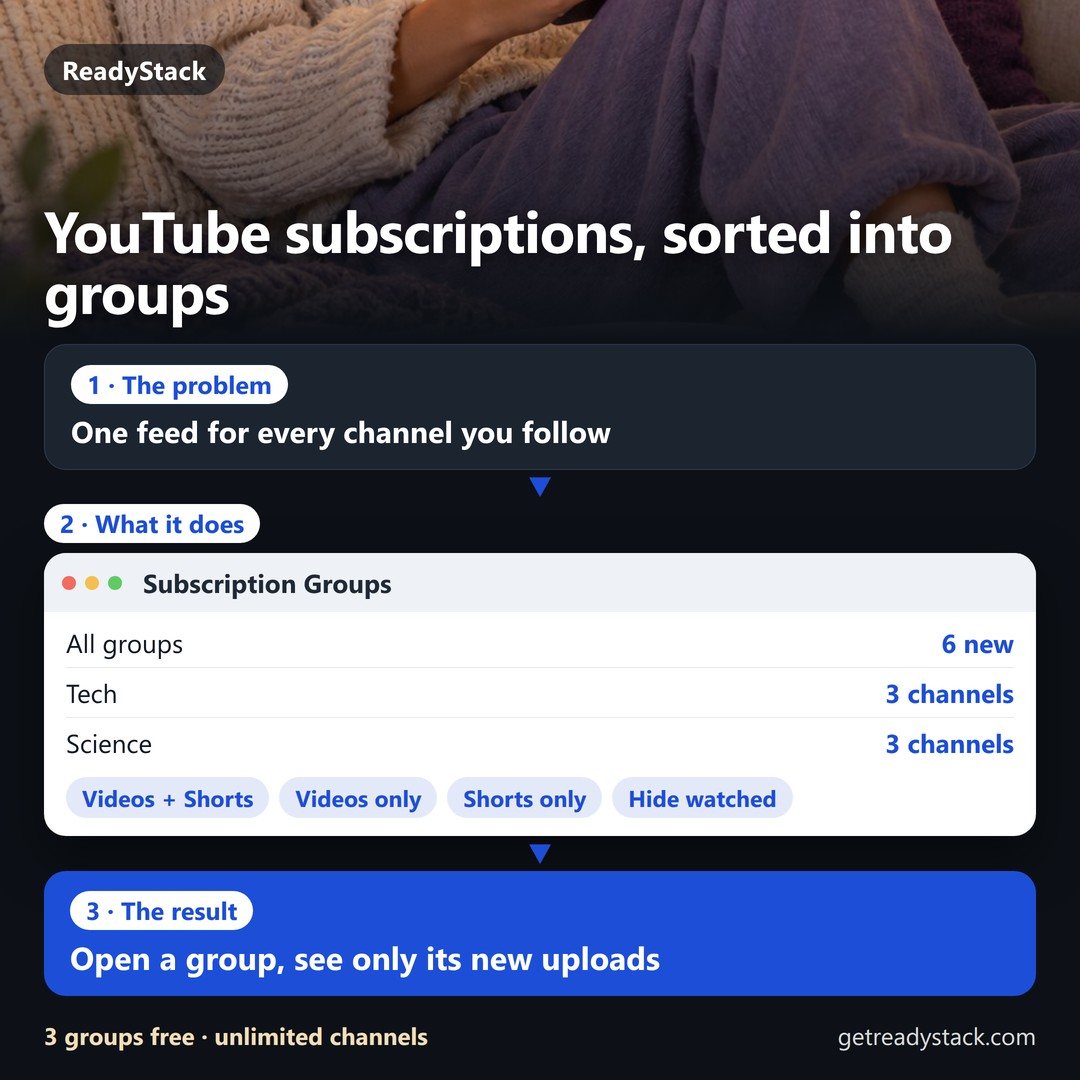 Sort your YouTube subscriptions into groups — and read each group as its own clean feedSort your YouTube subscriptions into groups and read each group as its own clean feed of new uploads. Free: 3 groups, unlimited channels.…Paid
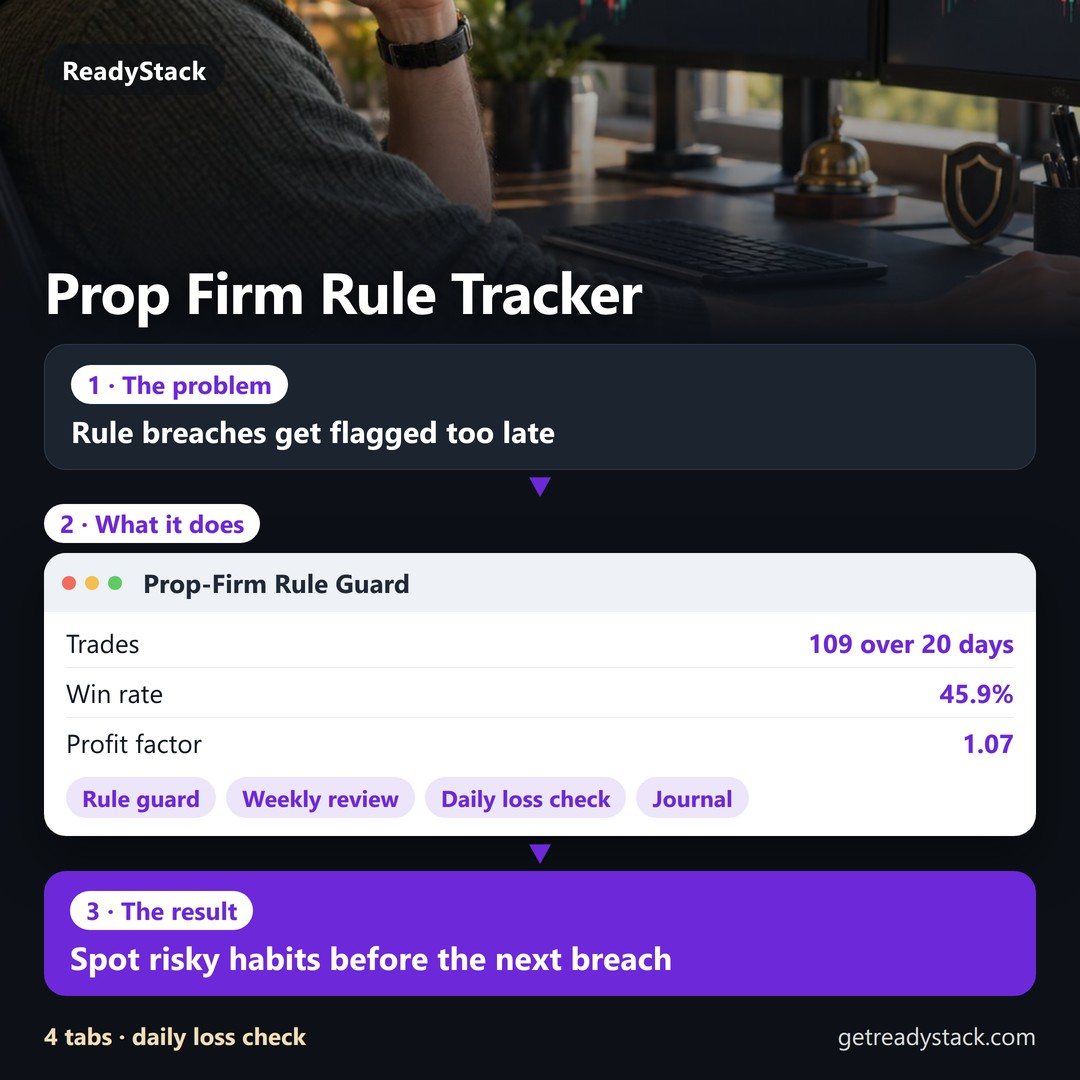 Trading Journal + Prop-Firm Rule GuardFree trading journal from your broker CSV (Tradovate, NinjaTrader, TradingView, MetaTrader, TopstepX, Rithmic): win rate, P&L by setup…Paid
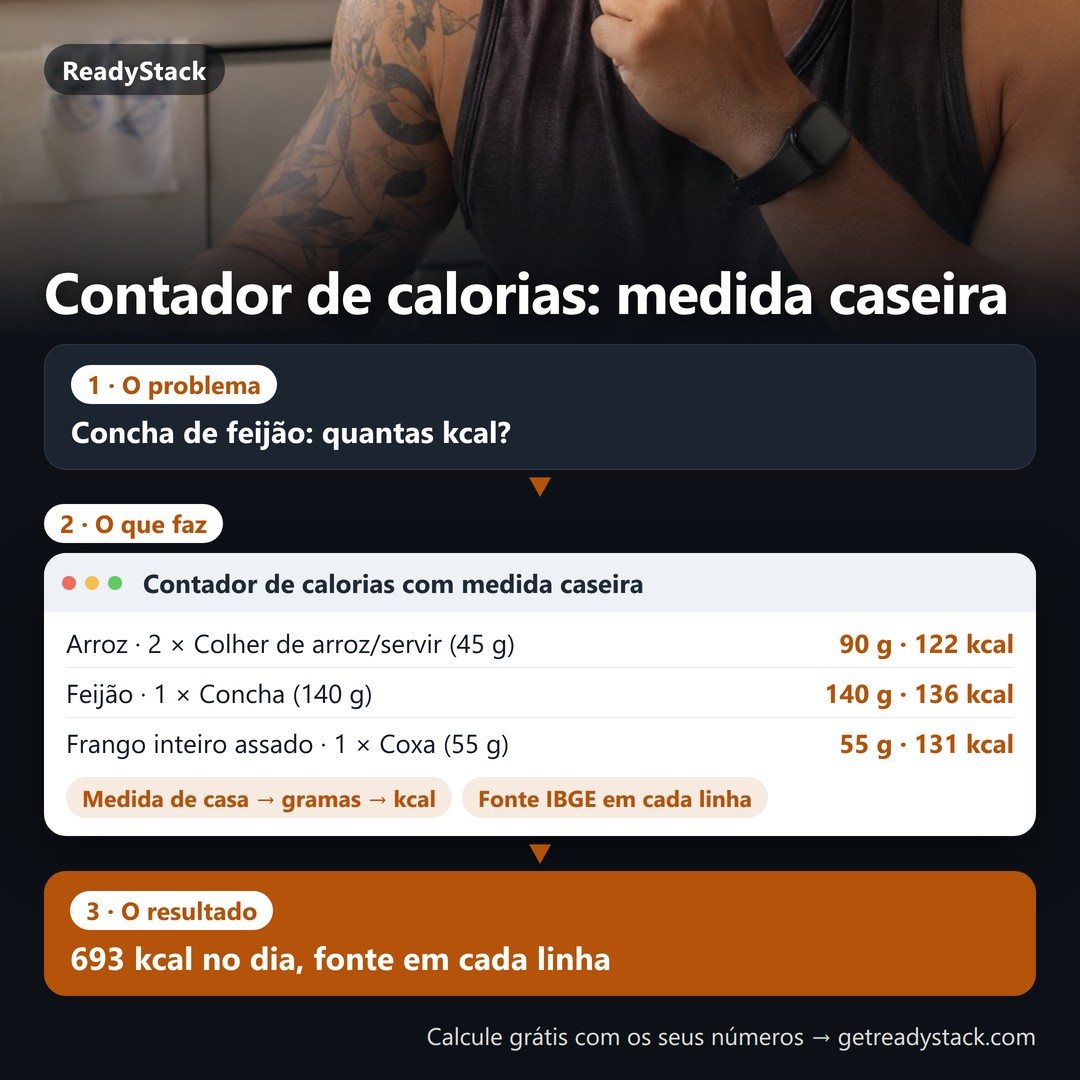 Contador de calorias – calorie counter for Brazilian food: spoons, ladles and units become grams and kcal from the IBGE tableContador de calorias: pick '2 serving spoons of rice' or '1 ladle of beans' and see grams, kcal and macros from Brazil's IBGE food table…Paid
 Shop support inbox: chat and email in one place, every customer answered in their languageHelpdesk inbox for online shops: your store chat widget and support email in one list, every message translated both ways in English…Paid
ReadyStack
Calculators, templates and deadlines for the rules that change every year — free in your browser.