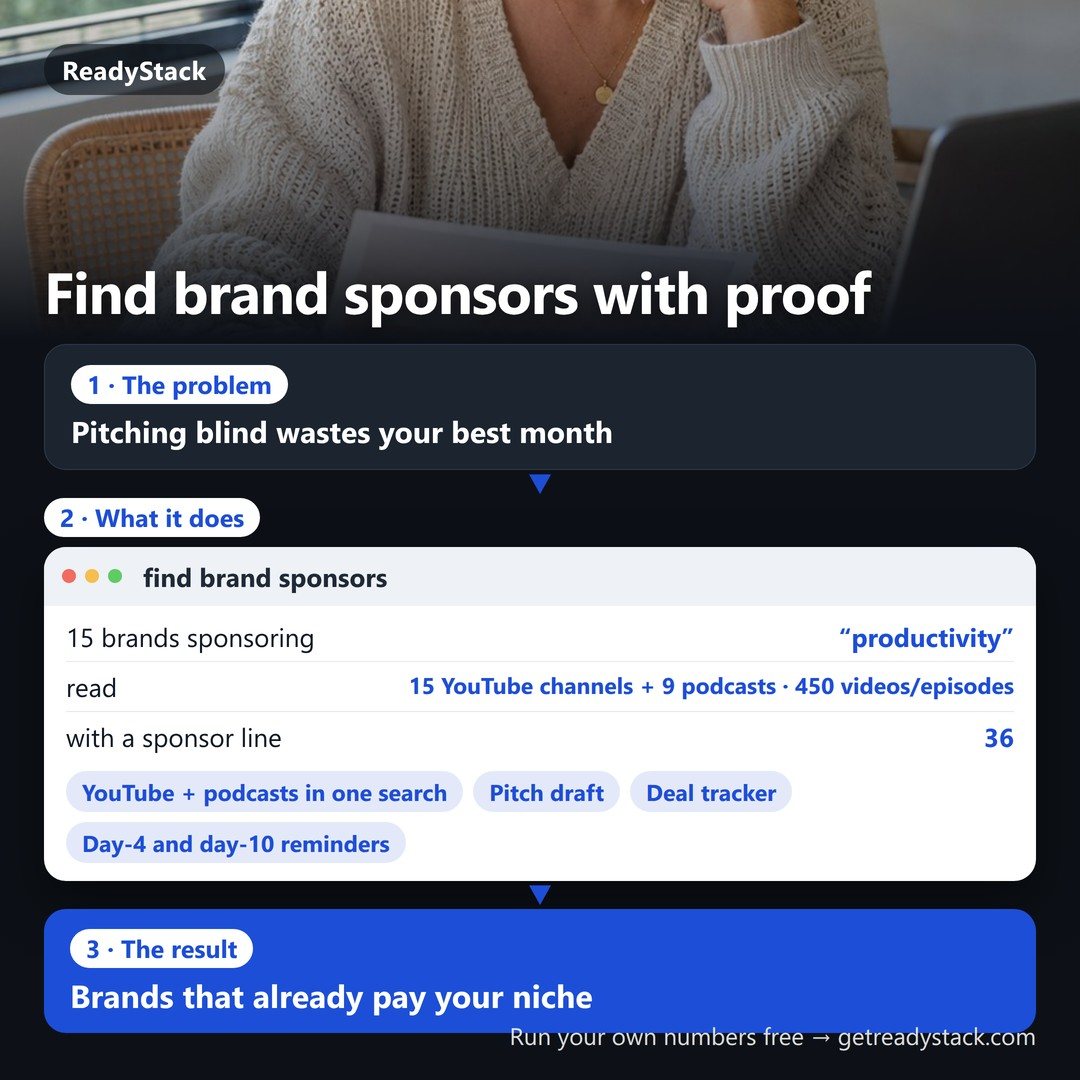
find brand sponsors already paying creators in your niche — YouTube and podcasts in one search, with the dated proof
find brand sponsors already paying creators in your niche: YouTube channels and podcasts searched together, every brand with the dated video or episode and the sponsor…
Renewal and cancellation: the 1-year subscription renews automatically every 12 months at $190 until you cancel. Cancel any time before the renewal date in your Whop account (Profile → Orders → Cancel membership); you keep access until the end of the year you paid for and are not charged again.
How it works
Put your own numbers into the free version below — no sign-up.
Your result shows up right here, as you type.
Want to keep it, print it or do it again next time? That is what the full version adds — see "What you get".
Type your niche. You get the brands that sponsored YouTube videos and podcast episodes in it, each with the video or episode, its date and the sponsor line word for word — then a pitch draft for the brand you pick.
YouTube channels and podcasts searched together, in your country’s language: every brand row shows where it sponsored, when, and the exact line (“sponsored by…”, “Werbung”, “patrocinado por”, “提供”) with its promo code when there is one.
Follow-ups that do not get forgotten: mark a pitch as sent and we e-mail you on day 4 and day 10 if it is still waiting — on a deal board from pitched → replied → negotiating → signed → paid.
Every month you pitch new brands: your saved niches are searched again each week and only the brands new since last time are e-mailed to you. Your pitches, stages and amounts stay saved; CSV and print any time.
Free, no sign-up, no card: one niche at a time, the whole brand list on screen and a pitch draft for any brand.
Pitch draft
Deal tracker with follow-up reminders
Keep every pitch on one board: brand, contact, the date you pitched, stage (pitched → replied → negotiating → signed → paid), the amount and notes. On day 4 and day 10 after a pitch that is still waiting, we e-mail you a reminder. Your saved niches are searched again every week; brands new since last time come by e-mail. CSV export and a printable deal sheet.
Saved niches (searched again every week, up to 10)
Pro key
After you buy, Whop shows your licence key. Paste it here once; it is checked at getreadystack.com and kept in this browser.
Deal tracker: brands, contacts, pitch dates, stages, amounts and notes saved to your key — open it on any device.
Follow-up reminder e-mails on day 4 and day 10 after each pitch still waiting.
Weekly e-mail with the brands new in up to 10 saved niches, in any of the 5 markets.
Pitch rewritten for each brand in English, German, Spanish, Portuguese or Japanese (only your facts — missing ones stay as [placeholders]).
CSV export and a printable deal sheet.
What we read: public YouTube channel feeds (latest 15 videos per channel) and podcast RSS show notes. Brands are the websites named right after a sponsor line. We do not have brands’ private e-mail addresses — each row links the brand’s own site and the exact sponsored video or episode, so you can see who to write to and what they already paid for.
find brand sponsors already paying creators in your niche: YouTube channels and podcasts searched together, every brand with the dated video or episode and the sponsor line it came from, a pitch draft, day-4 and day-10 follow-up reminders and a deal tracker.
Is it free?
Yes. The free version on this page works without an account. The full version costs $19/month.
How do I use it?
1. Put your own numbers into the free version below — no sign-up. 2. Your result shows up right here, as you type. 3. Want to keep it, print it or do it again next time? That is what the full version adds — see "What you get".
Ask about this tool
One question, answered by the person who built it. Your email only if you want the answer sent.
For a team or company: for an invoice with your company details, a quote or several licences, write to support@getreadystack.com.
Who is behind this page
ReadyStack is a small team. We build each tool for one job people keep asking about, from the rules and sources named on the page, and we run it on the worked example you see here before it goes live.
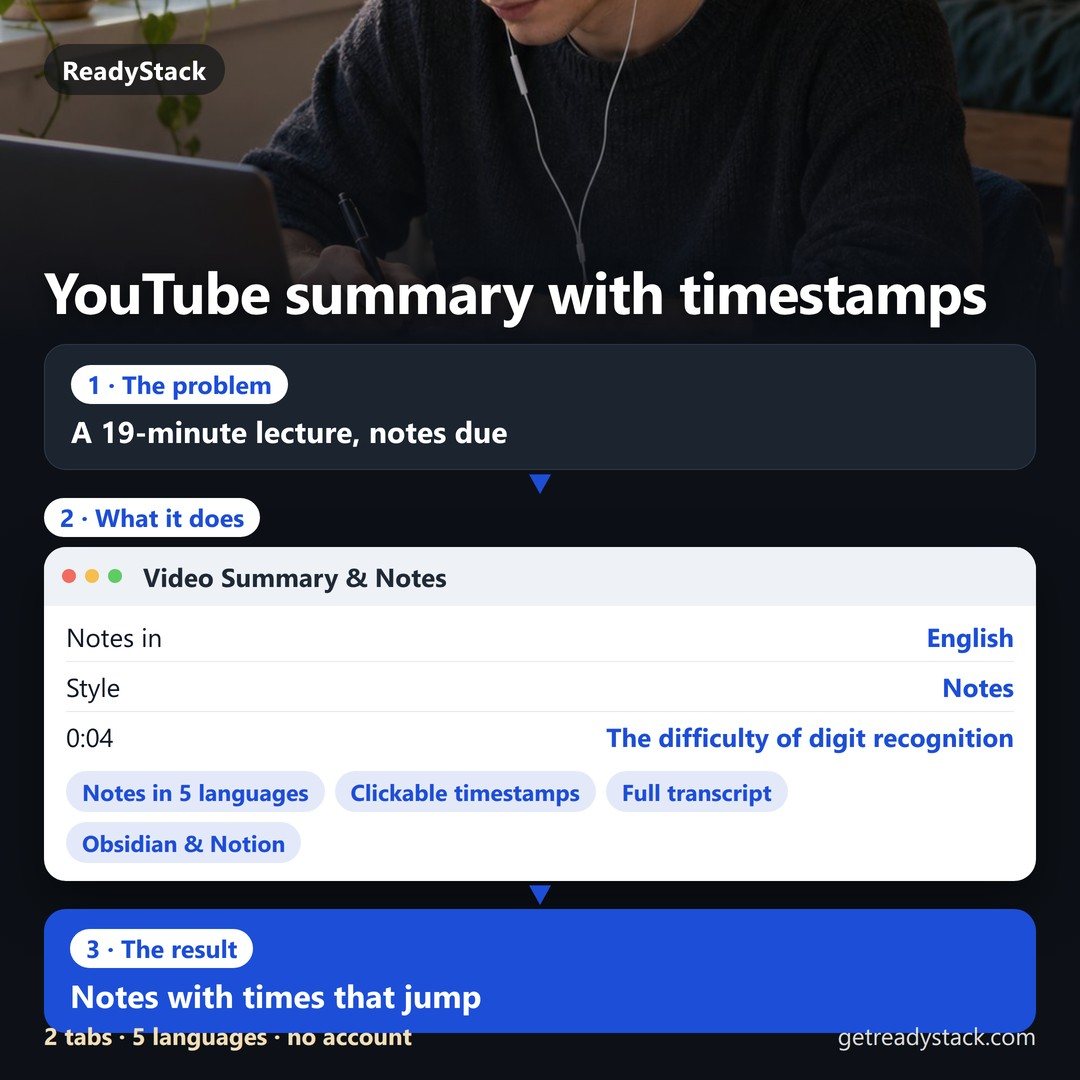
 organic dropshipping tracker: product tests, video log, real profit per order, kill or scale
 micro influencer platforms for small brands: find, contact and track seeding creators
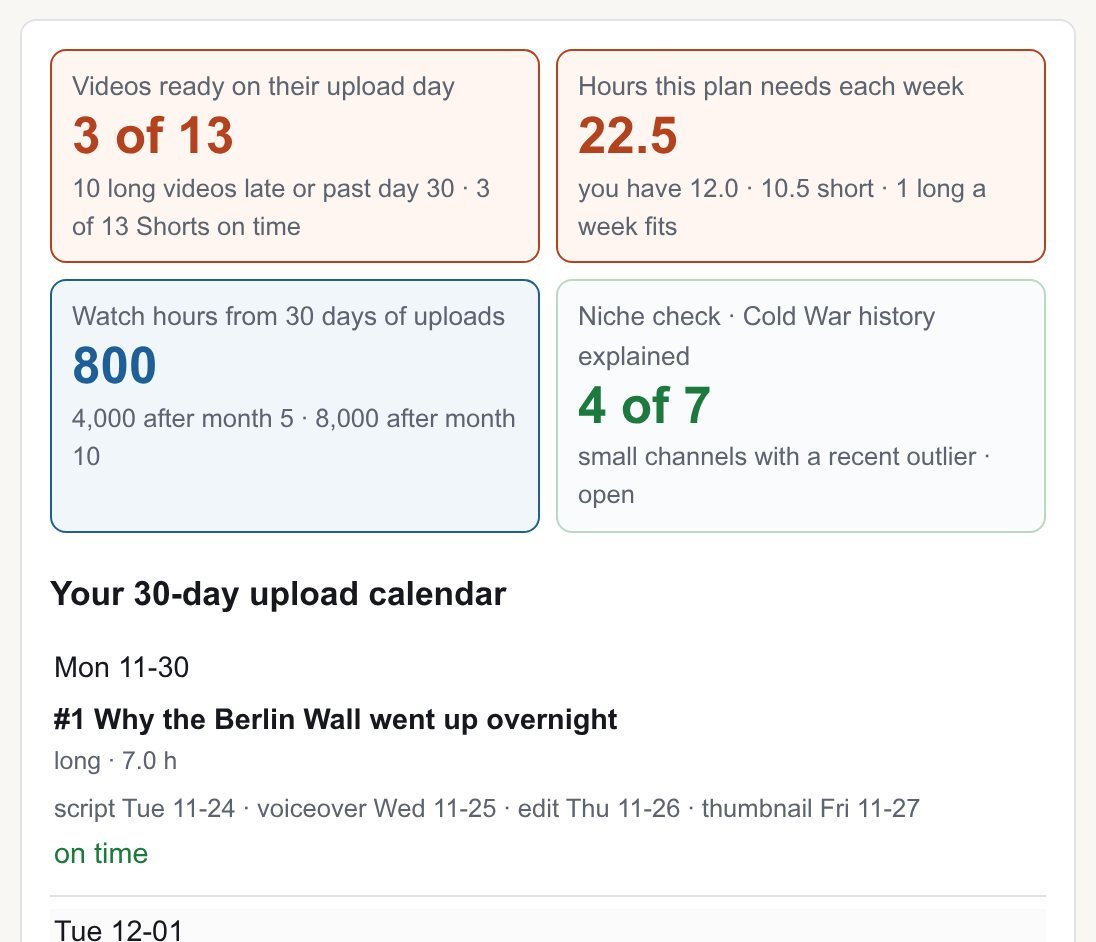 channel planner: faceless YouTube niche, calendar and outlines
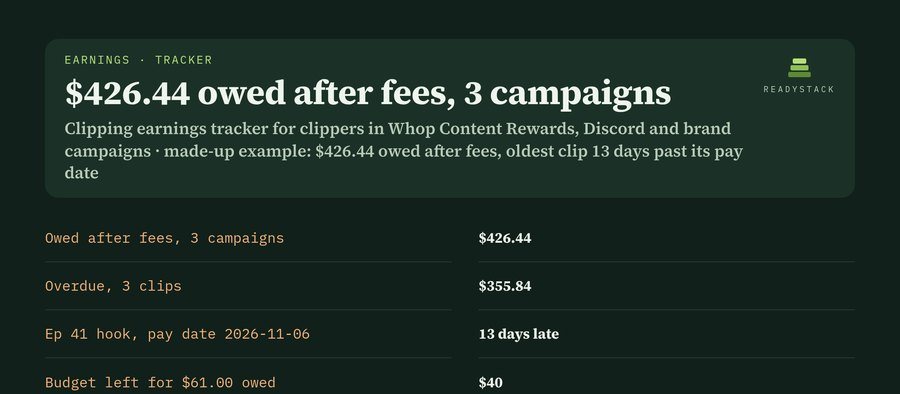 Clipping earnings tracker — track clipping payouts: owed, overdue, caps & fees
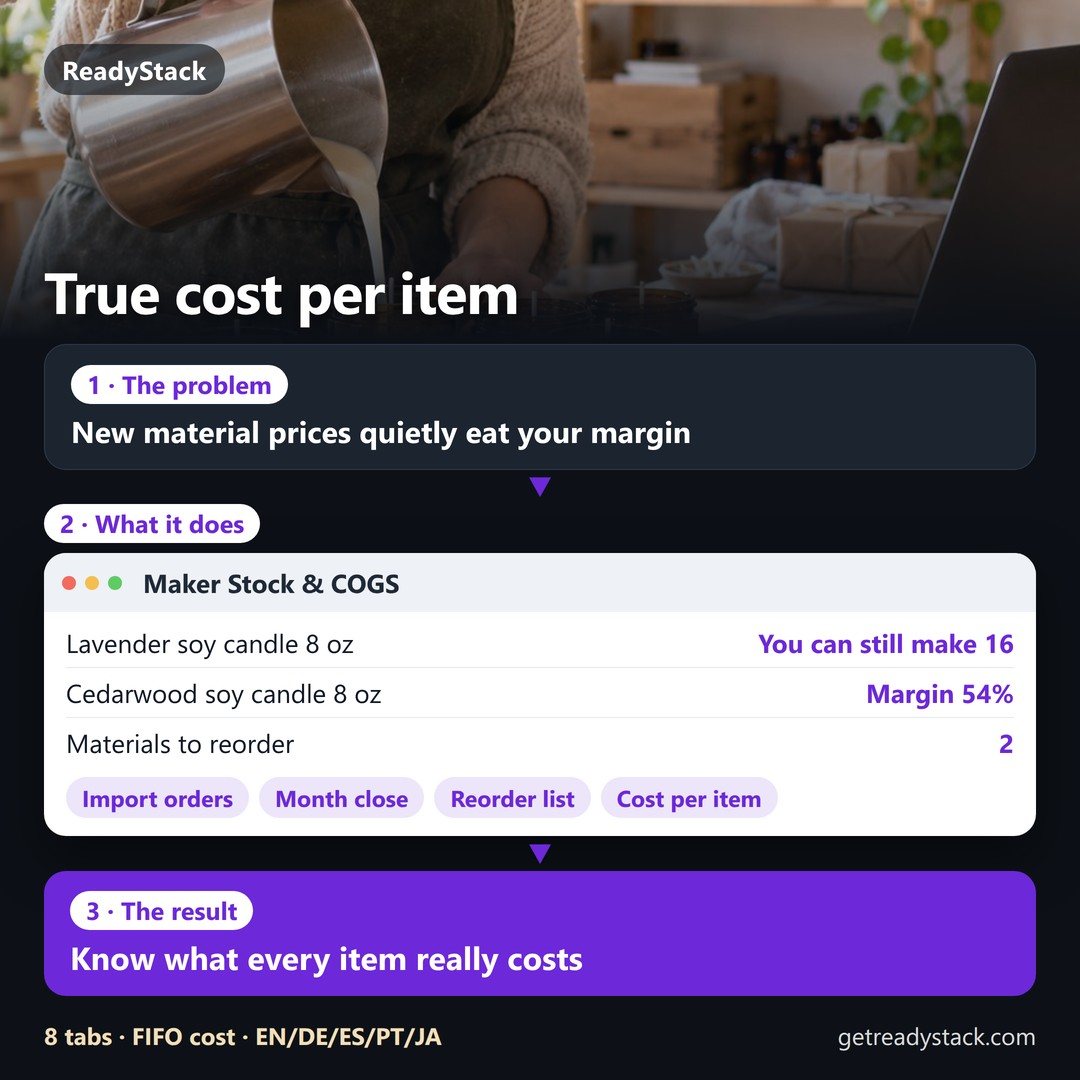 What does one handmade item really cost you? Materials, stock and cost of goods for small makers
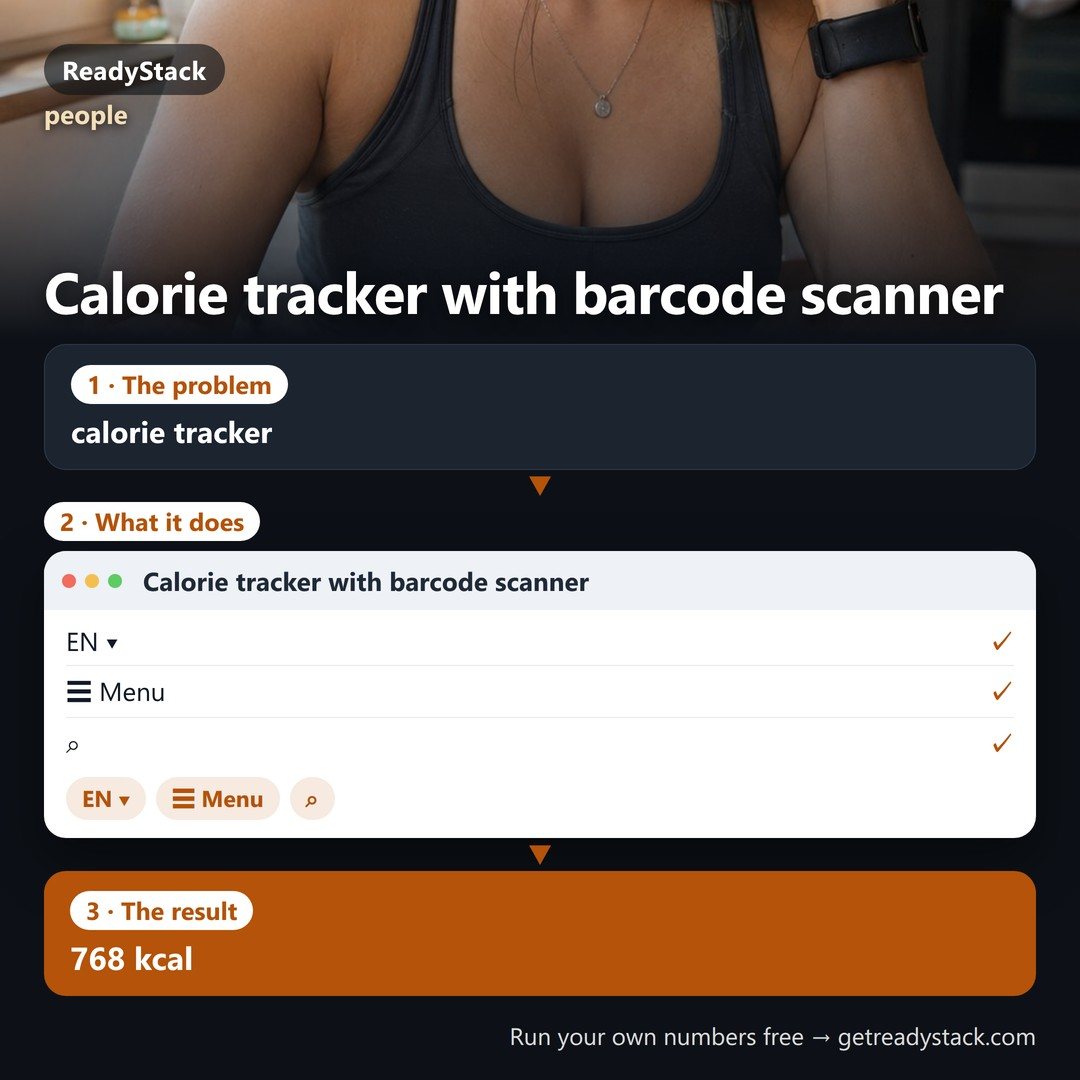 Calorie tracker with barcode scanner
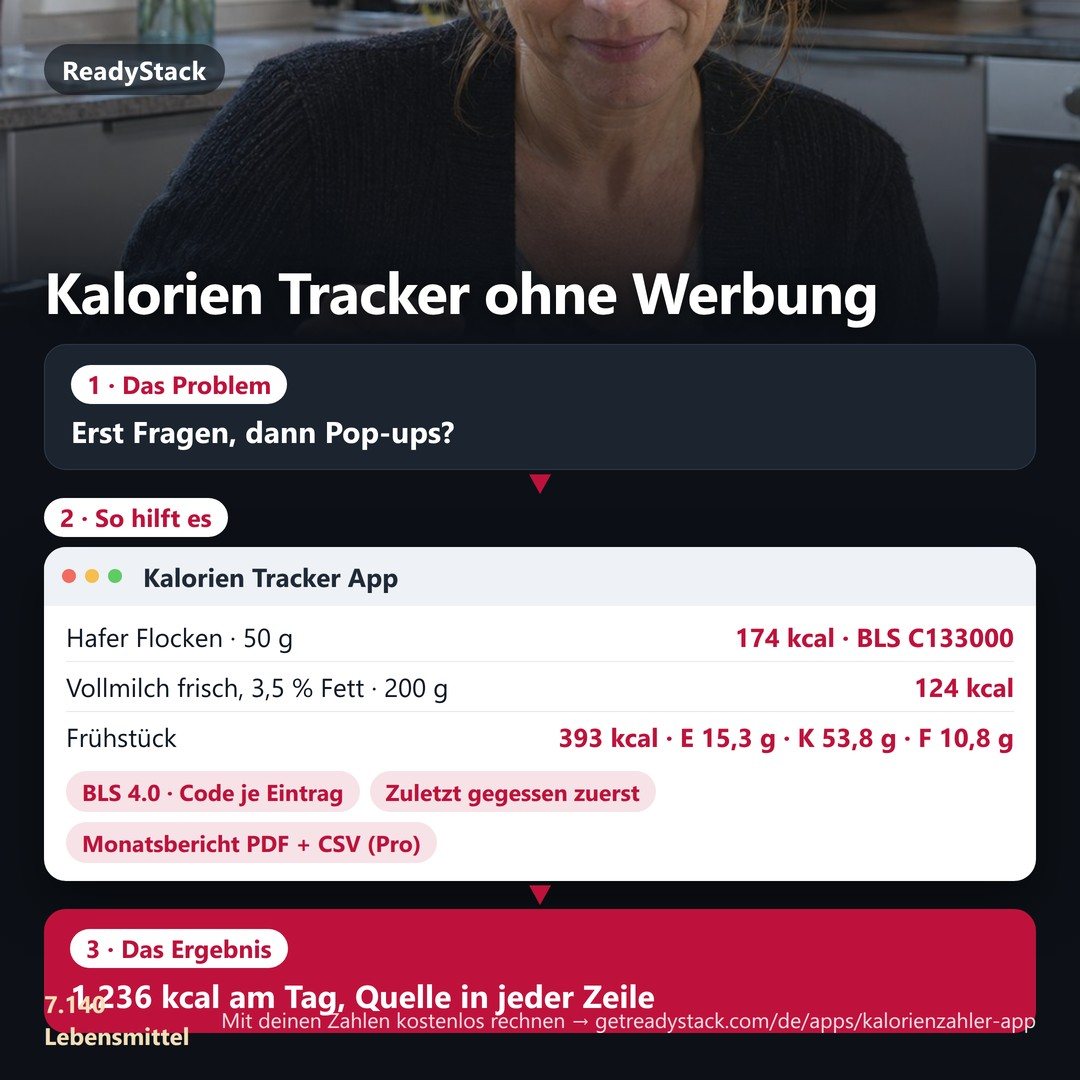 Kalorien Tracker without ads: 7,140 foods from Germany's official food table, offline, with a month report
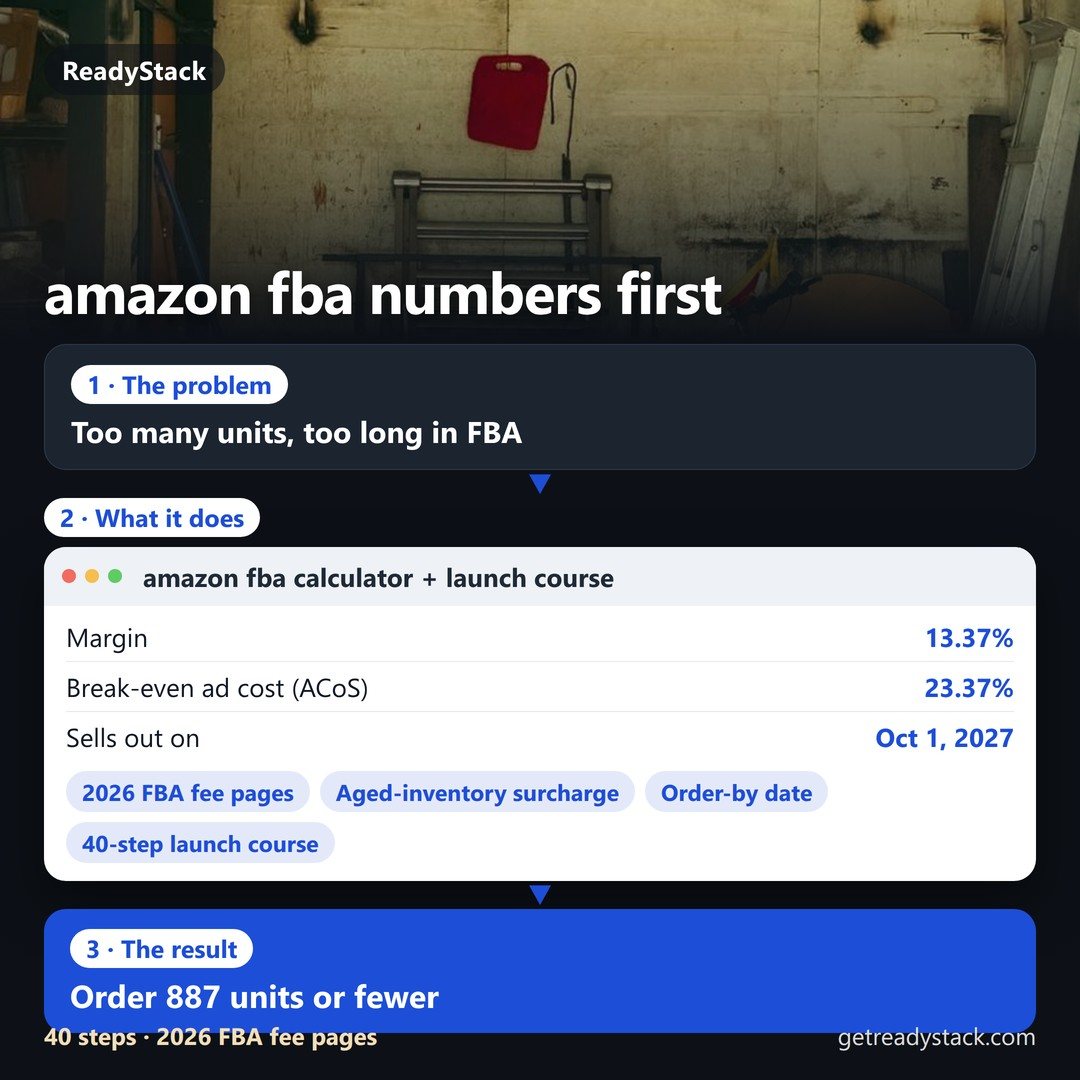 amazon fba calculator + launch course 2026: your product's fees, cash and reorder date
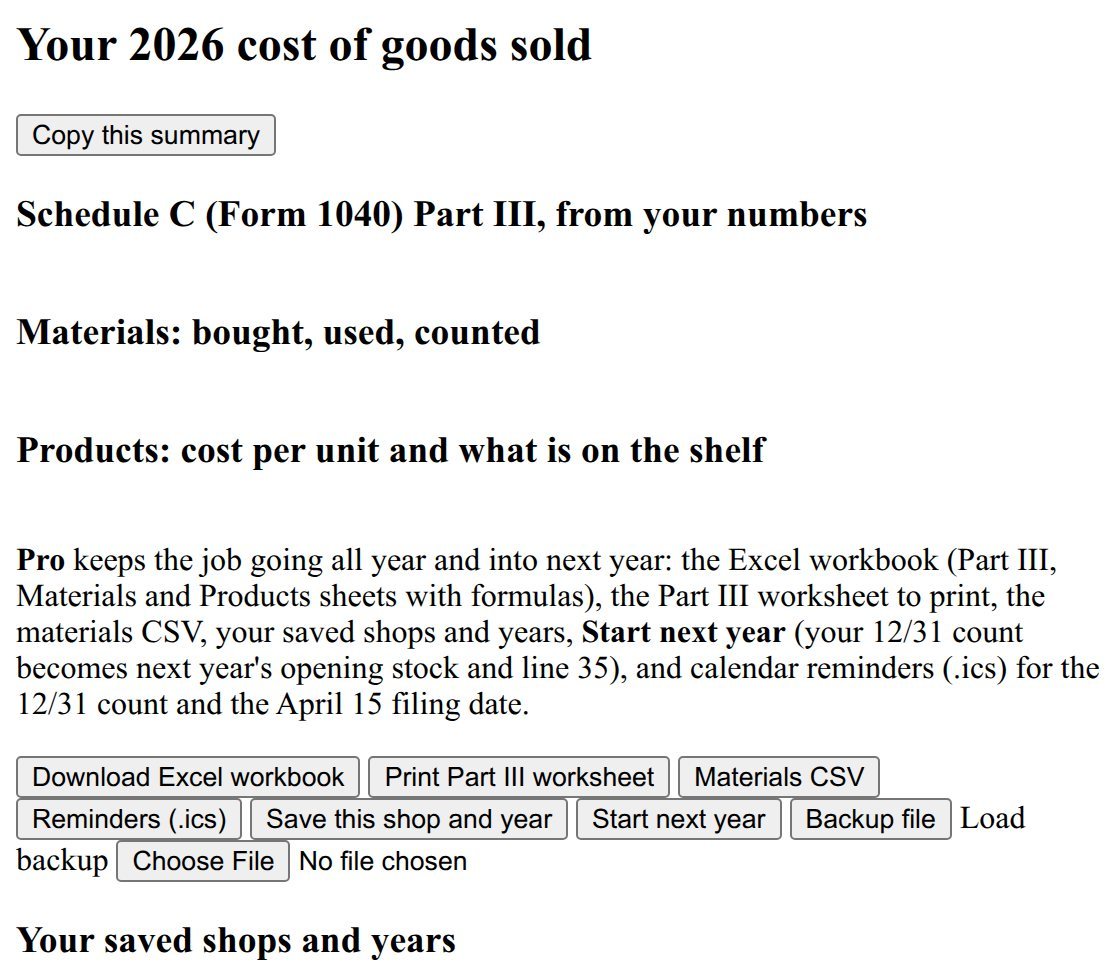 etsy spreadsheet: Materials Inventory & COGS 2026
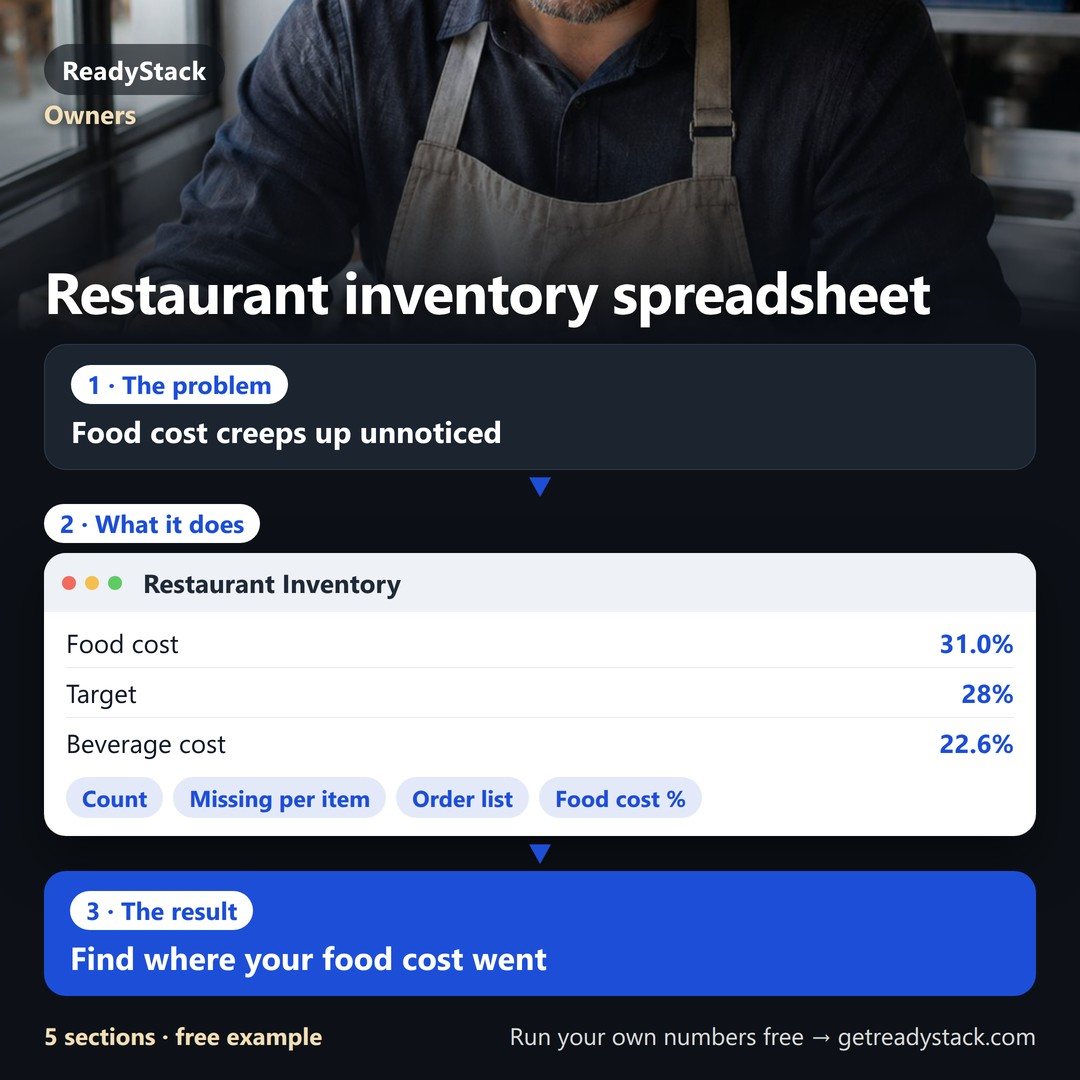 Restaurant inventory spreadsheet: count your stock, see real food cost % and the dollars missing per item, order list per supplier