AI Video Clipper for Shorts, No Credits

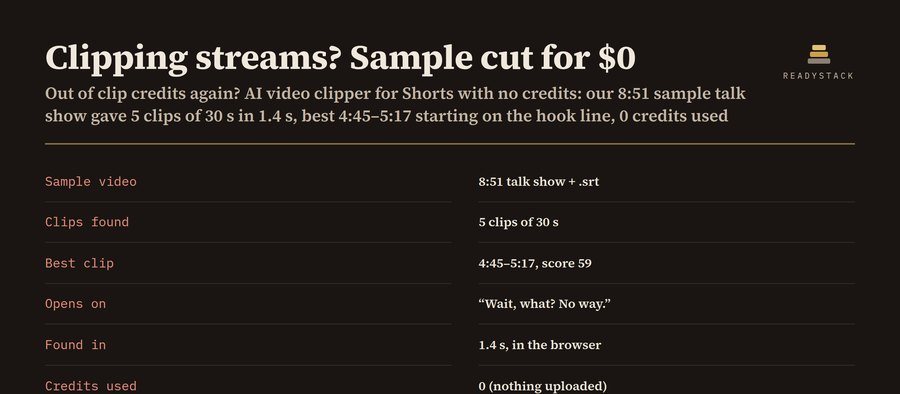
The clip finder scores every half second of its audio for speech, loud reactions, dead air and a talking first second. If you add a transcript, it also scores hook lines.

Pick a long video from your computer: a stream, a podcast or an interview.

AI Video Clipper for Shorts, No Credits
Example of the result this page gives you

Try it freeFull version · $69 per year →

Renewal and cancellation: the 1-year subscription renews automatically every 12 months at $69 until you cancel. Cancel any time before the renewal date in your Whop account (Profile → Orders → Cancel membership); you keep access until the end of the year you paid for and are not charged again.

How it works
  1. Put your own numbers into the free version below — no sign-up.
  2. Your result shows up right here, as you type.
  3. Want to keep it, print it or do it again next time? That is what the full version adds — see "What you get".

Published 2026-10-19 · ReadyStack

Try it freeFull version →

Pick a long video from your computer: a stream, a podcast or an interview. The clip finder scores every half second of its audio for speech, loud reactions, dead air and a talking first second. If you add a transcript, it also scores hook lines. You get the best Shorts, TikToks or Reels ranked with start time, end time and the reasons behind each pick. Then export each one as a 9:16 clip with burned-in captions. The video never leaves your computer, so there are no credits, no upload limit and no account.

How it works: there is no cloud AI model. The scoring is plain code that runs in this tab, so the same video always gets the same clips and you can see why each one was picked. Works best in Chrome or Edge on a desktop.

1. Your video

2. Your clips

Pick a video (or paste a transcript) and press Find clips. Your ranked clips appear here.

Pro adds 5 things for clippers who post every day: export every clip in one click, a library that keeps every video's clip list, a posting log of views and your per-1,000-view rate for each clip, CSV of clips and posts, and a JSON backup. Pro: $69 per year $9.99 per month

3. Preview and export (9:16)

Export records the clip in real time (a 30 s clip takes about 30 s). Keep this tab in front while it runs. The file is MP4 where your browser can record MP4 (recent Chrome, Edge and Safari), otherwise WebM, which YouTube and TikTok both accept.

Already bought Pro?

Paste your licence key:

Frequently asked questions

Can I use this for “video clipper”?

AI video clipper alternative for Shorts with no credits: pick a long video, get the best 15–90 second moments ranked with reasons, then export 9:16 clips with burned-in captions.

Can I use this for “clip ai”?

Then export each one as a 9:16 clip with burned-in captions .

Can I use this for “ai clips”?

The scoring is plain code that runs in this tab, so the same video always gets the same clips and you can see why each one was picked.
Questions and answers

What does this page do?

AI video clipper alternative for Shorts with no credits: pick a long video, get the best 15–90 second moments ranked with reasons, then export 9:16 clips.

Is it free?

Yes. The free version on this page works without an account. The full version costs $69 per year.

How do I use it?

1. Put your own numbers into the free version below — no sign-up. 2. Your result shows up right here, as you type. 3. Want to keep it, print it or do it again next time? That is what the full version adds — see "What you get".

Ask about this tool

One question, answered by the person who built it. Your email only if you want the answer sent.

Privacy: your e-mail is used only to send you the answer. A question appears on this page only after it is answered, without your e-mail.

For a team or company: for an invoice with your company details, a quote or several licences, write to support@getreadystack.com.

Who is behind this page

ReadyStack is a small team. We build each tool for one job people keep asking about, from the rules and sources named on the page, and we run it on the worked example you see here before it goes live.

How we check our pages: each rule names its source and the day we read it.

Something looks wrong, or you are stuck? Write to support@getreadystack.com or use the contact form. It goes to our own inbox, not to a bot.

About ReadyStack

Email me this result
A copy of what you see above, in your inbox — the tool stays free, nothing here is locked.

More tools for the same work

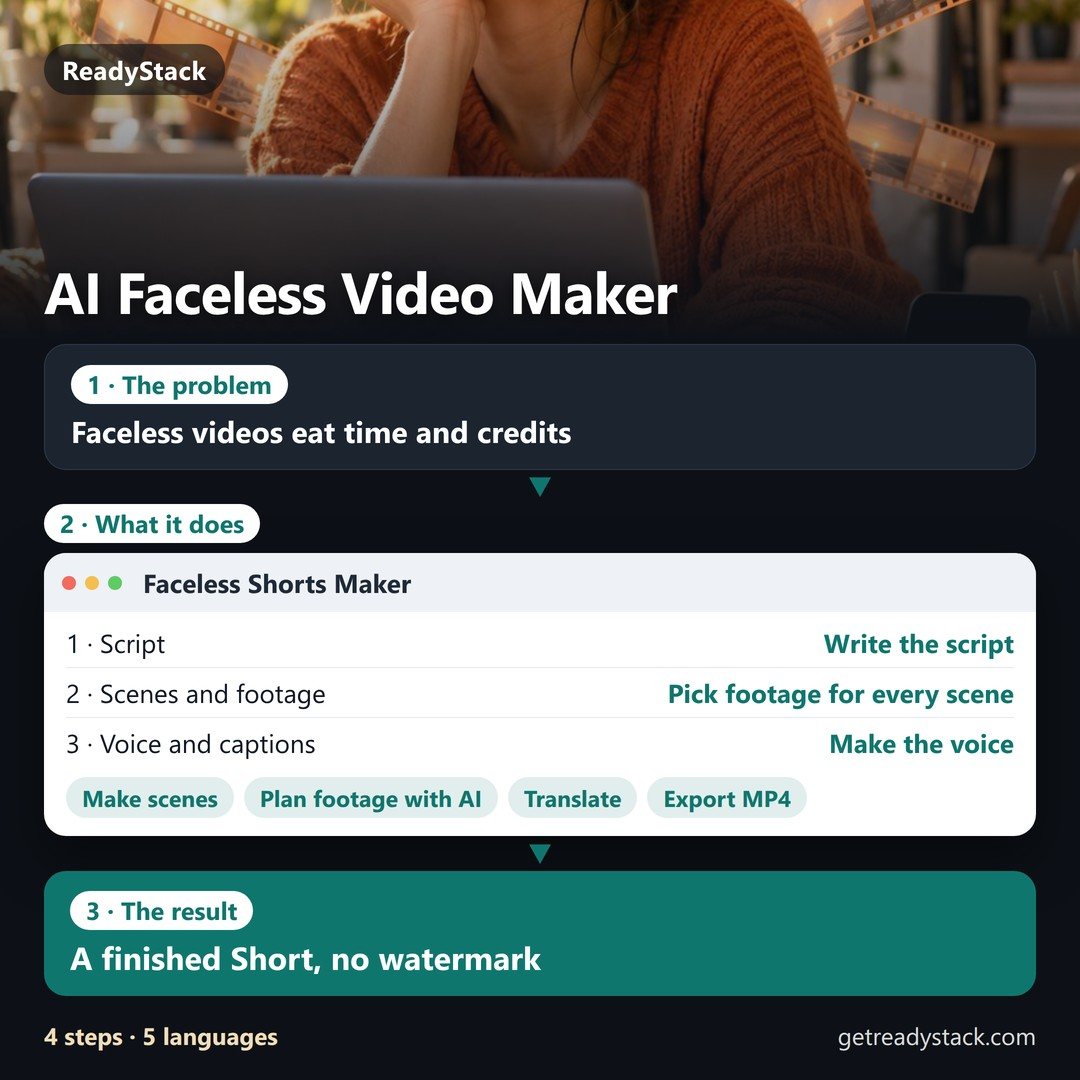
AI Faceless Video MakerA finished Short, no watermarkFree version
People like you also use
Everything for Creators and designers → · ReadyStack Pass — every tool in one subscription · All tools →