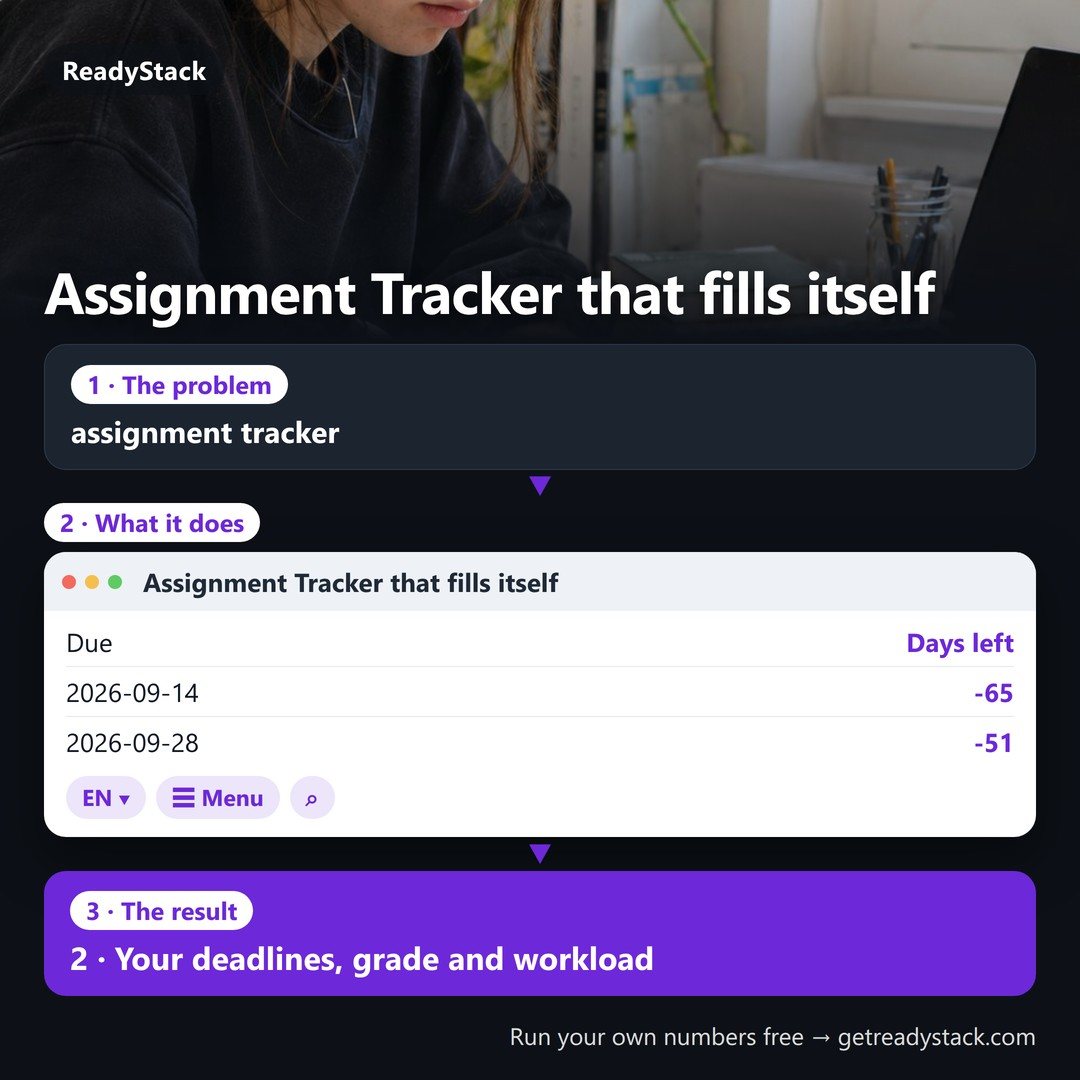
Class Assignment Tracker · for every syllabus this semester
Paste a syllabus: every dated quiz, essay, lab and exam becomes a row with its due date, days left and weight — no typing per assignment and no AI chat round-trip.
- Grade-weight math built in: your grade so far and the score you still need on what is left to hit your target.
- Weekly workload: deadlines and study hours per week across your classes, the busiest week flagged.
- Countdown from today's date, never a template stuck on one year.
Runs in your browser. Your syllabus and grades are not uploaded.
1 · Paste one class's syllabus
Copy the schedule or grading part of the syllabus (PDF, Canvas, Word) and paste it. Lines with a date and an assignment word (quiz, essay, lab, exam, project, homework …) become rows; a % on the line becomes the weight.
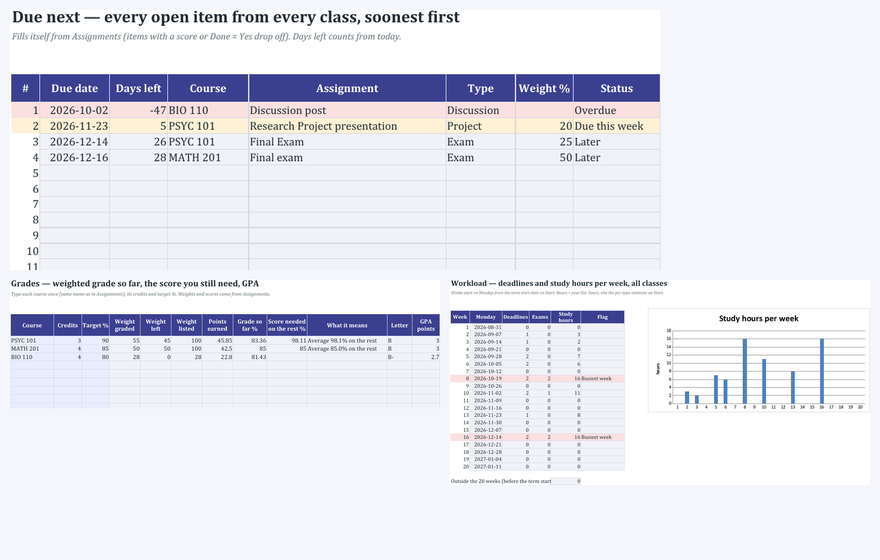
2 · Your deadlines, grade and workload
Dated items found0
Next due–
Weight listed–
Busiest week–
| Due | Days left | Assignment | Type | Weight % | Your score % |
|---|
Grade so far and the score you still need
Workload by week
Study hours are an estimate per type (exam 8 · project 8 · paper 6 · lab 3 · homework 3 · quiz 2 · reading 2 · discussion 1); the spreadsheet lets you change them.
| Week of | Deadlines | Study hours | What is due |
|---|
3 · Every class at once
Keep the whole semester in one place
- All your classes together: one due list soonest-first, one workload view with the busiest week across classes.
- A calendar file (.ics) for Google Calendar, Apple or Outlook with a reminder N days before every deadline you imported.
- The spreadsheet for Google Sheets and Excel (light and dark, blank and filled example) and printable Letter/A4 pages.
- Each new term: paste the new syllabi, keep last term's GPA for the cumulative GPA line.

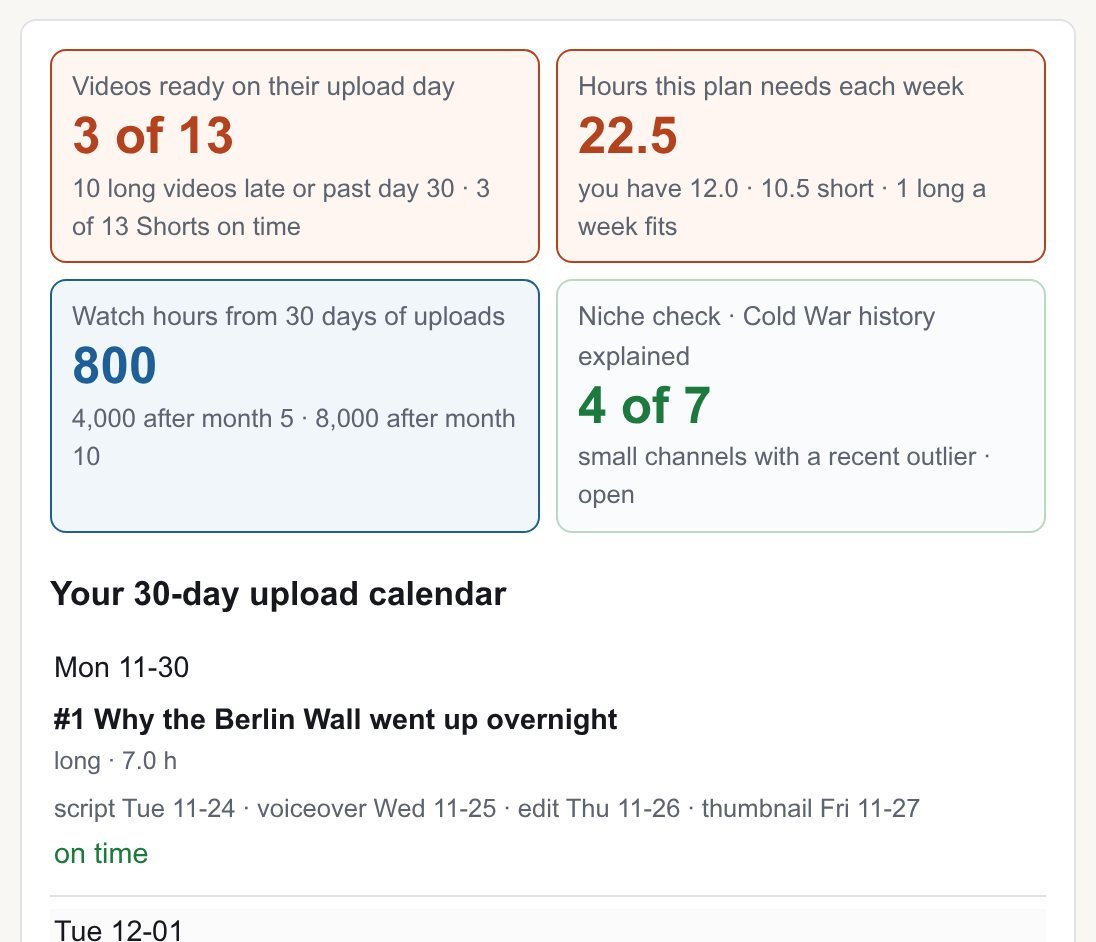 channel planner: faceless YouTube niche, calendar and outlines
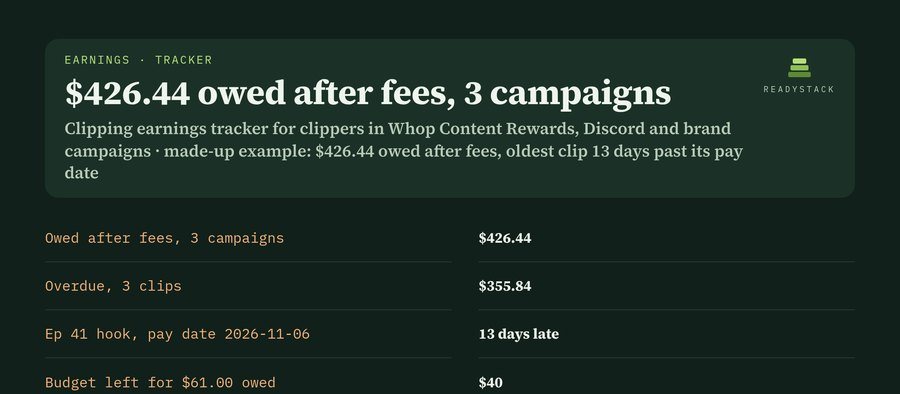 Clipping earnings tracker — track clipping payouts: owed, overdue, caps & fees
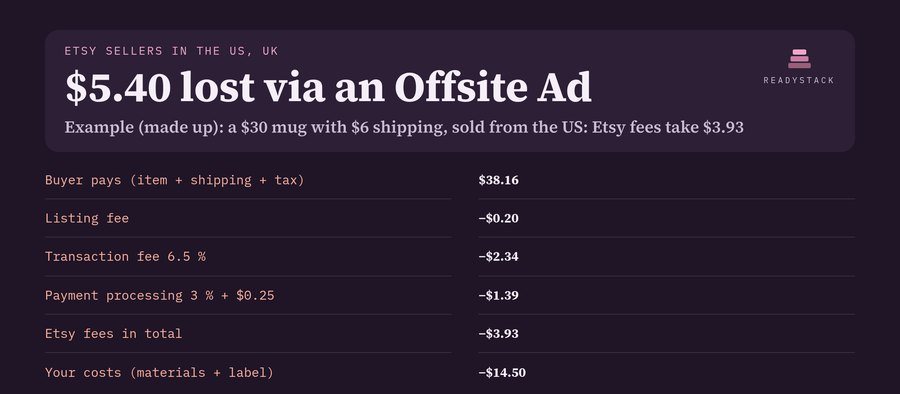 Etsy Fee Calculator: Country Fees, Profit and Monthly Report
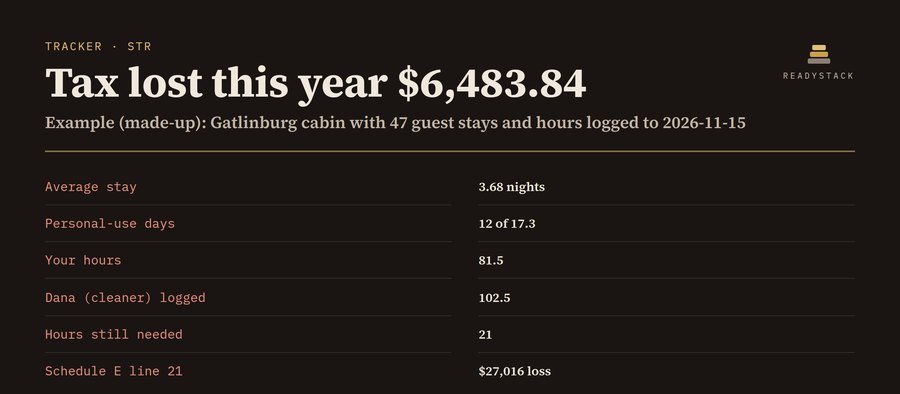 rental tracker: STR hours, 7-day stay, 14-day rule and Schedule E
 car flipping calculator: net profit per car, max bid price and dealer-license sale count
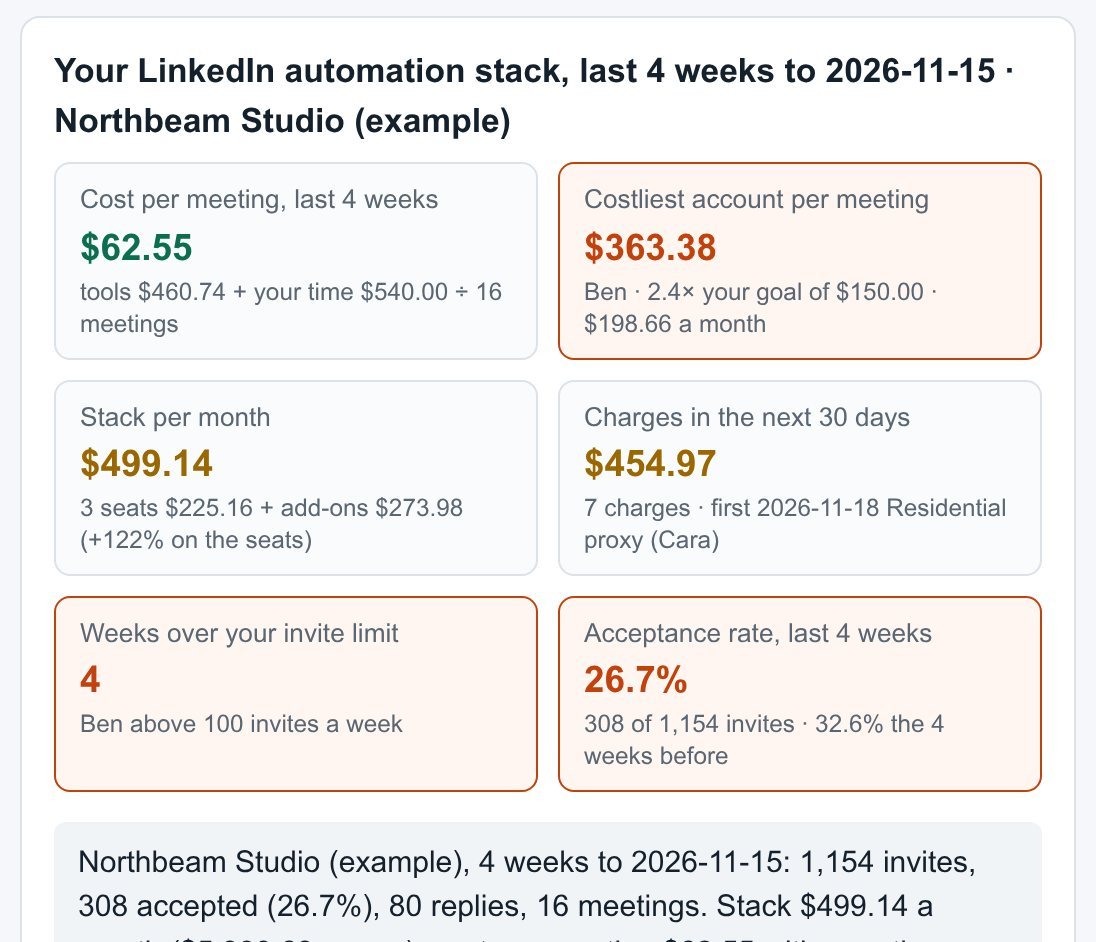 LinkedIn automation tool cost tracker: cost per meeting per account, add-ons and renewal dates
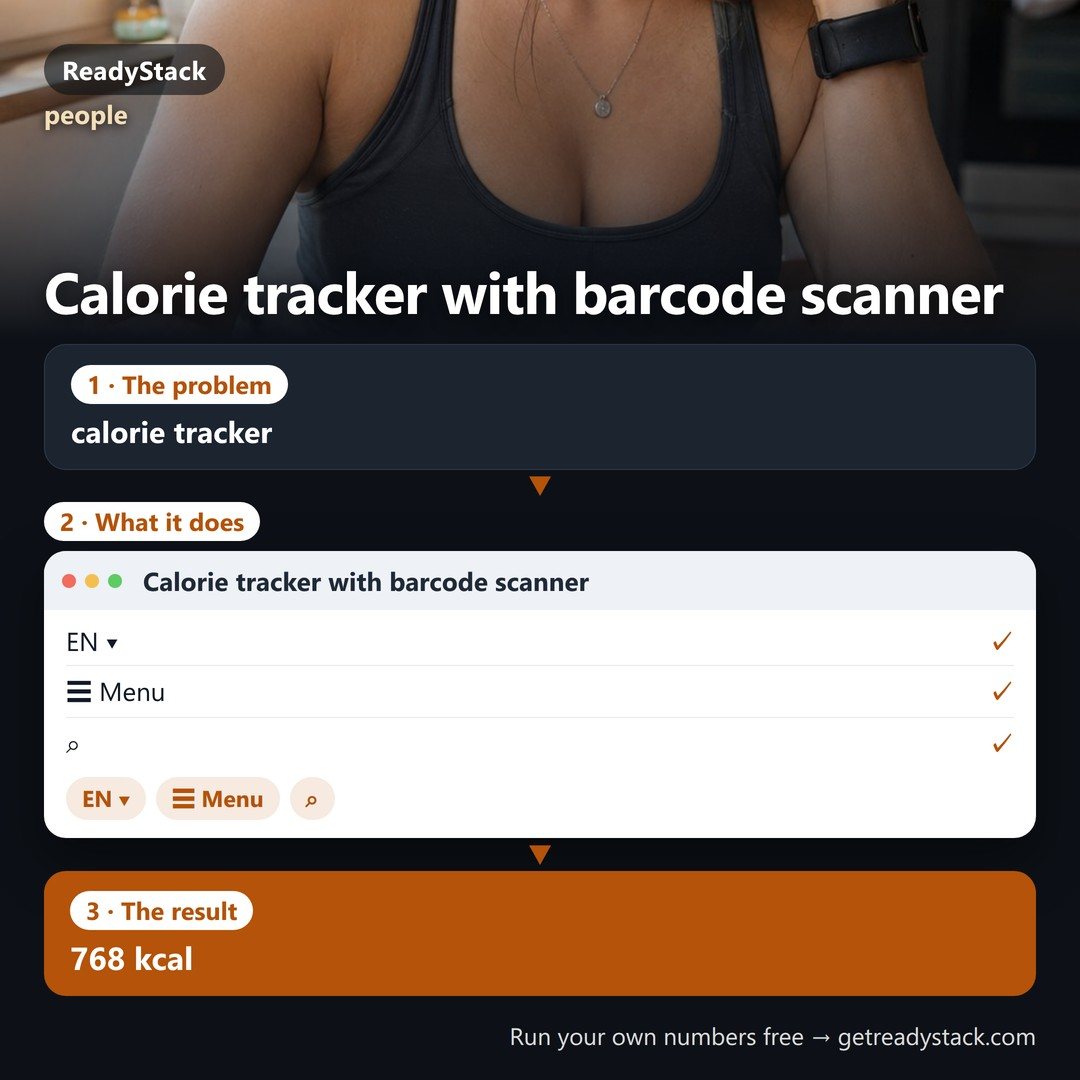 Calorie tracker with barcode scanner
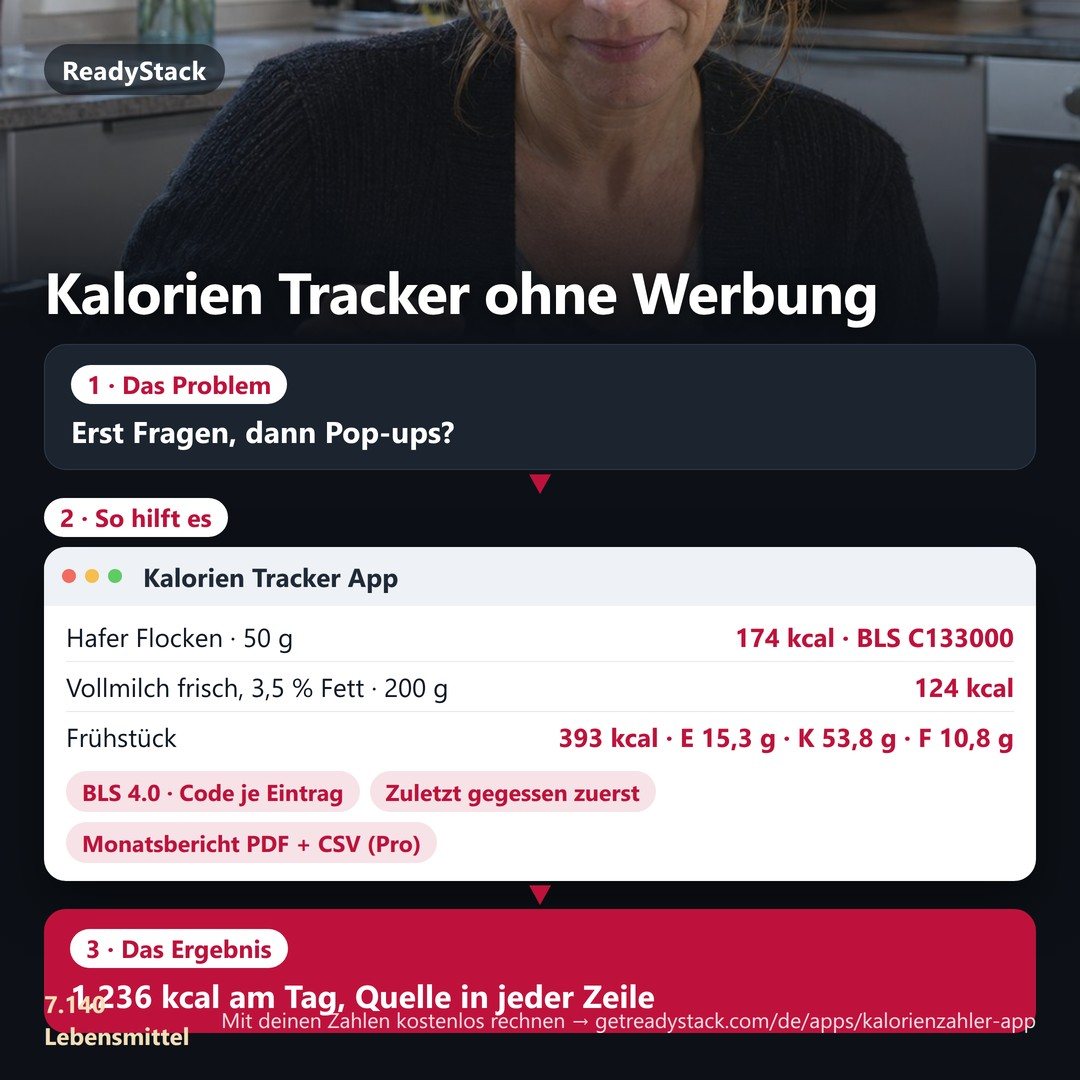 Kalorien Tracker without ads: 7,140 foods from Germany's official food table, offline, with a month report
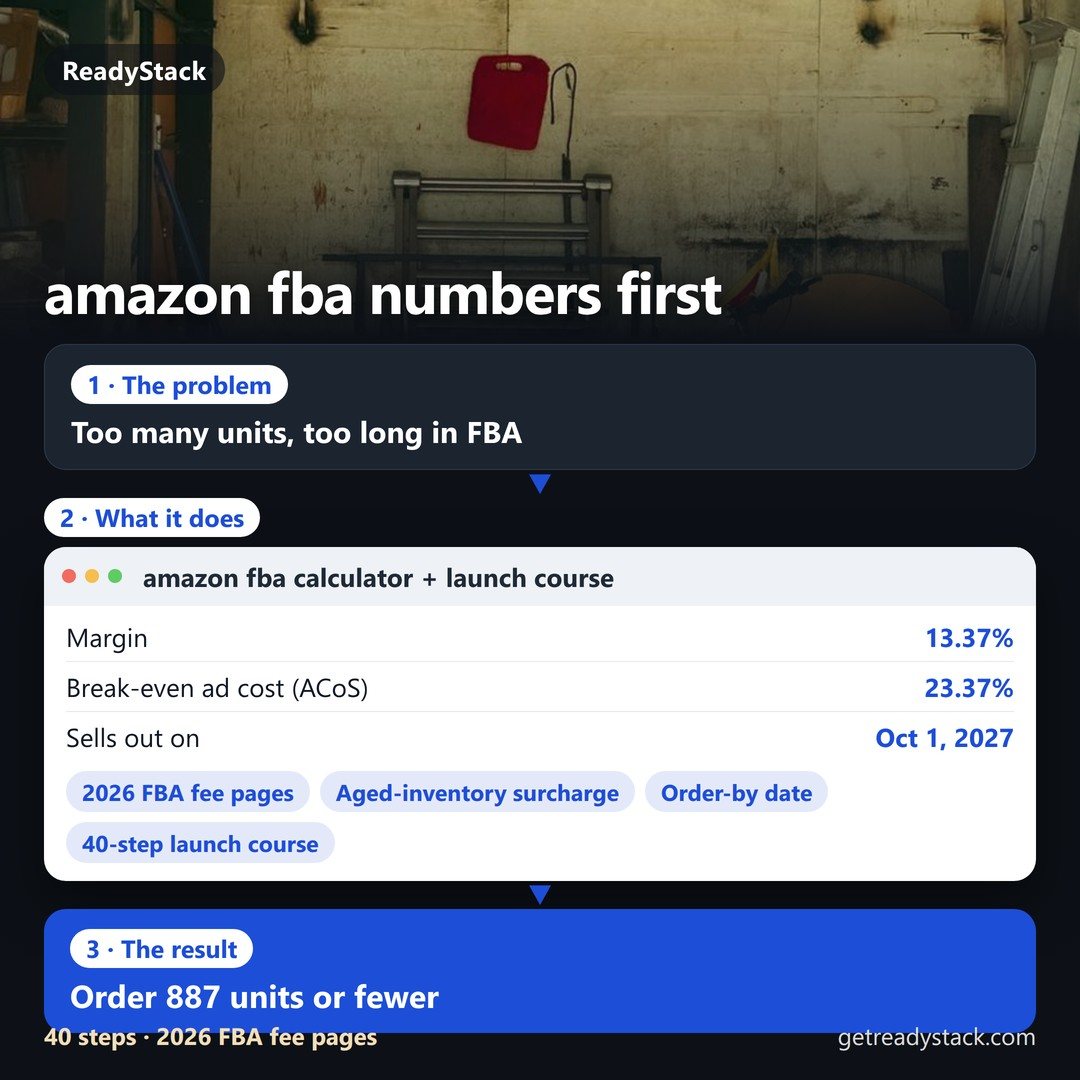 amazon fba calculator + launch course 2026: your product's fees, cash and reorder date
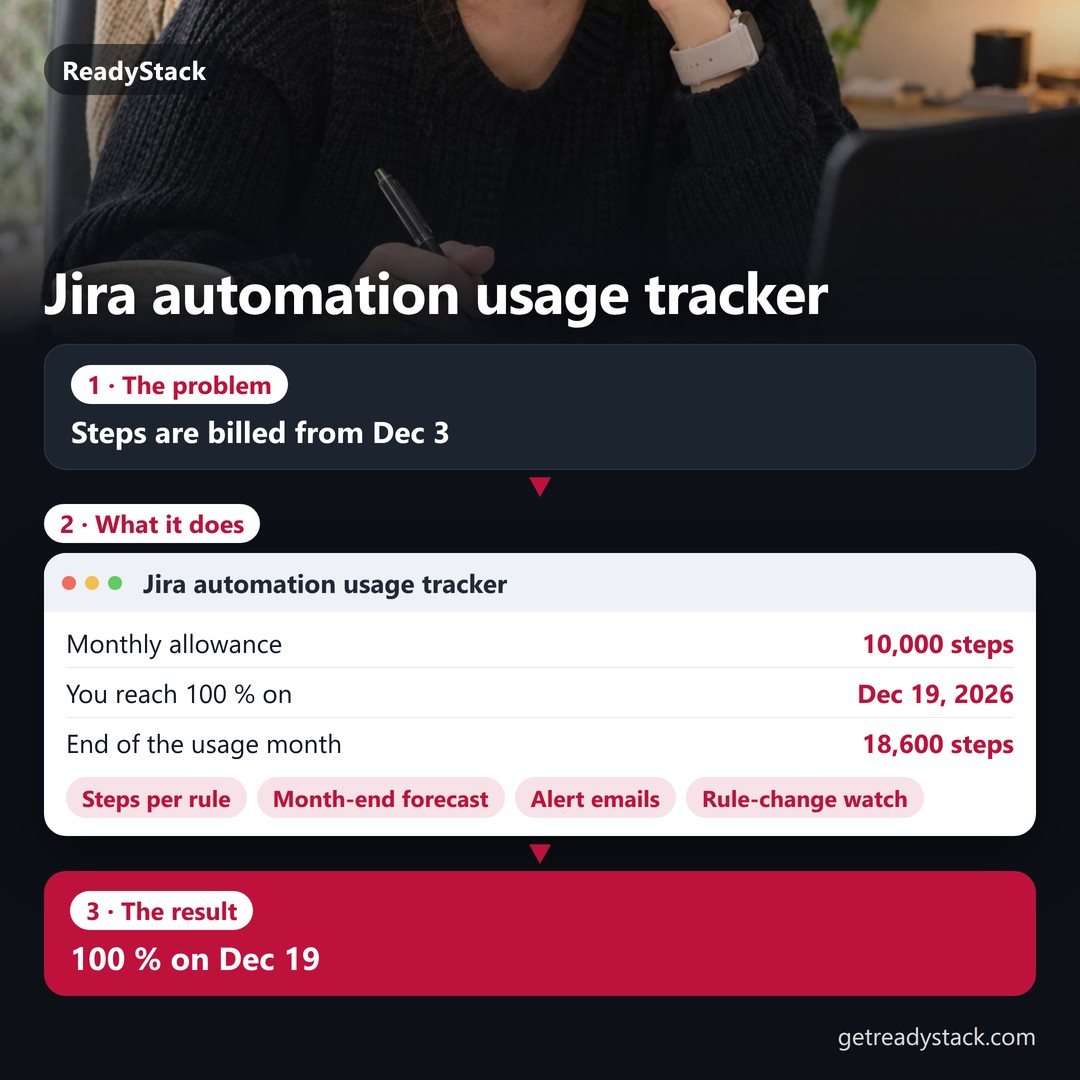 Jira automation usage tracker — daily step meter, month-end forecast, alert email before overage