Fit cosplay armor to your real measurements — then print it or cut it from foam

Type your tape measurements, fit any STL/OBJ armor piece to your body with a clearance check in millimetres, then export the scaled STL for printing or unfold it into…
Fit cosplay armor to your real measurements — then print it or cut it from foam
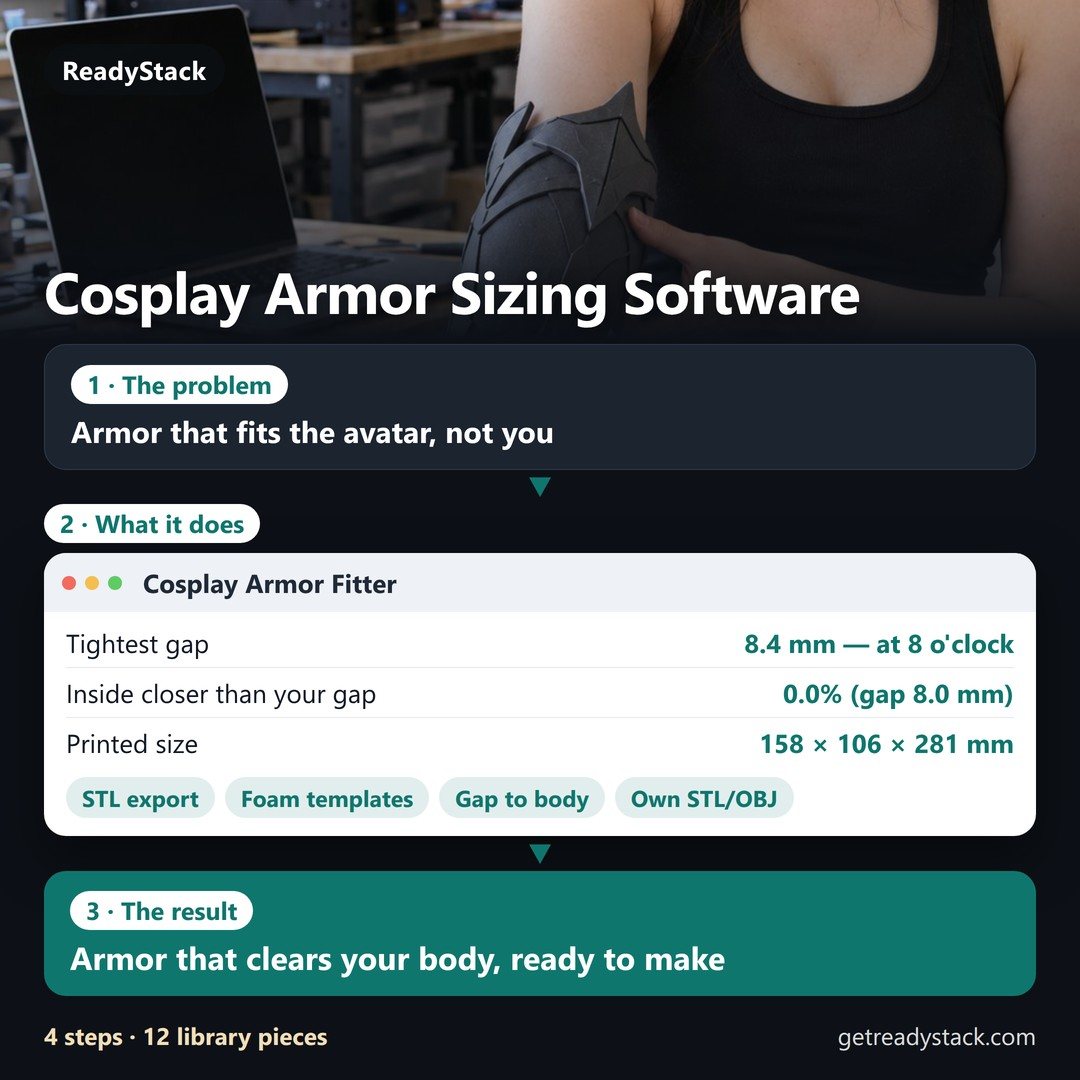
Example of the result this page gives you

Try it freeFull version · $39 once →

How it works
  1. Put your own numbers into the free version below — no sign-up.
  2. Your result shows up right here, as you type.
  3. Want to keep it, print it or do it again next time? That is what the full version adds — see "What you get".

What you get: Foam templates for every library piece and for your own models · DXF for laser and vinyl cutters · Fitted STL / OBJ export (keeps your file's orientation, sits on the bed) · Unlimited saved bodies — fit friends and commission clients

Published 2026-10-23 · ReadyStack
Try it freeFull version →
Armor Fitter by ReadyStack

Pro: $39 once, or $5 a month while you build. A new armor pattern opens on the 1st of every month — next: Helmet cap on 1 Nov 2026, Knee cop on 1 Dec, Gorget on 1 Jan.

Pro licence — $39 once $5 / month
clear closer than your gap touches the body

How it works

  1. Type your measurements (cm or inches). The mannequin is rebuilt from them; the table shows the model's circumference next to yours.
  2. Add a piece from the library, or open your own STL/OBJ and pick the body zone. It is scaled and placed outside your body with the gap you choose; colours show where it is tight.
  3. Make foam templates (PDF/SVG/DXF), or export the fitted STL for printing — or OBJ for Pepakura.

Clearance is measured against a mannequin made of smooth rings, not a body scan: it shows where a piece is clearly too tight, it cannot see muscles moving. Keep a gap of 6–10 mm for foam and padding.

Email me this result
A copy of what you see above, in your inbox — the tool stays free, nothing here is locked.

More tools for the same work

Fit cosplay armor to your real measurements — then print it or cut it from foamEVA Foam Armor Patterns drawn to your measurementsEvery piece redrawn for that bodyFree version
People like you also use
ReadyStack Pass — every tool in one subscription · All tools →

Questions and answers

What does this page do?

Type your tape measurements, fit any STL/OBJ armor piece to your body with a clearance check in millimetres, then export the scaled STL for printing or unfold it into foam templates with seam numbers and bevel angles (tiled A4/Letter PDF, SVG, DXF).

Is it free?

Yes. The free version on this page works without an account. The full version ($39 once) adds: Foam templates for every library piece and for your own models · DXF for laser and vinyl cutters · Fitted STL / OBJ export (keeps your file's orientation, sits on the bed) · Unlimited saved bodies — fit friends and commission clients

How do I use it?

1. Put your own numbers into the free version below — no sign-up. 2. Your result shows up right here, as you type. 3. Want to keep it, print it or do it again next time? That is what the full version adds — see "What you get".

Ask about this tool

One question, answered by the person who built it. Your email only if you want the answer sent.

Privacy: your e-mail is used only to send you the answer. A question appears on this page only after it is answered, without your e-mail.

For a team or company: for an invoice with your company details, a quote or several licences, write to support@getreadystack.com.

Who is behind this page

ReadyStack is a small team. We build each tool for one job people keep asking about, from the rules and sources named on the page, and we run it on the worked example you see here before it goes live.

How we check our pages: each rule names its source and the day we read it.

Something looks wrong, or you are stuck? Write to support@getreadystack.com or use the contact form. It goes to our own inbox, not to a bot.

About ReadyStack

New this week

More in Design & creative assets See all →

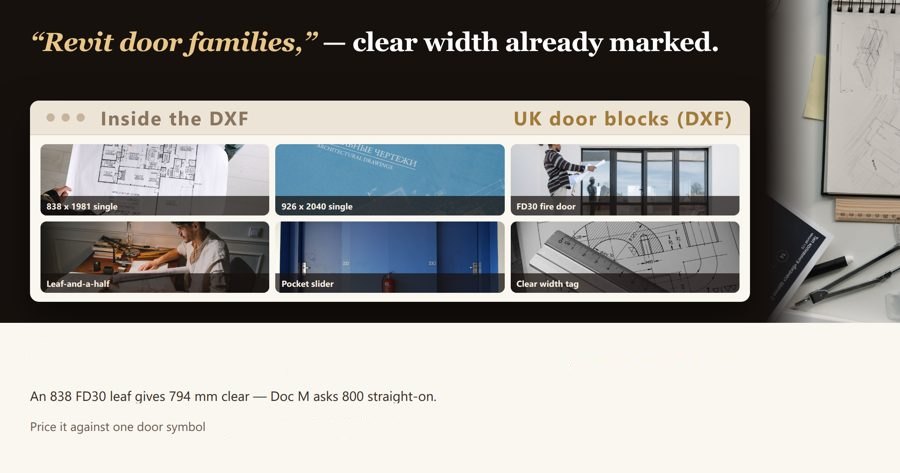
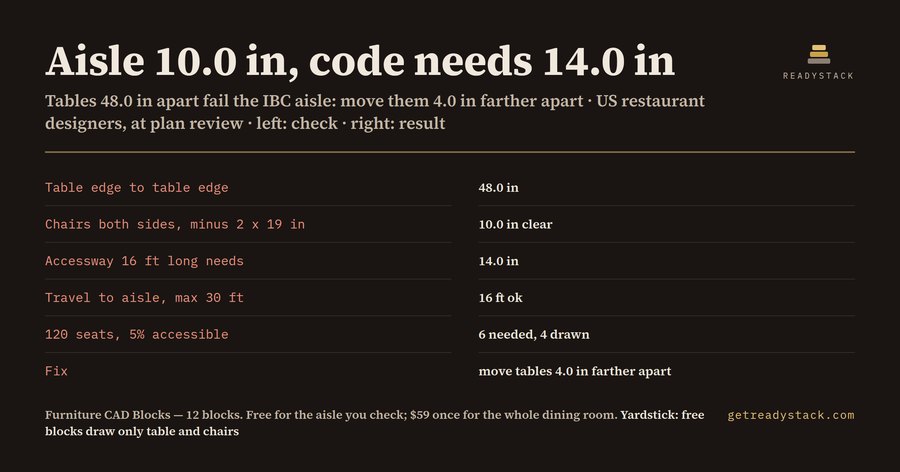
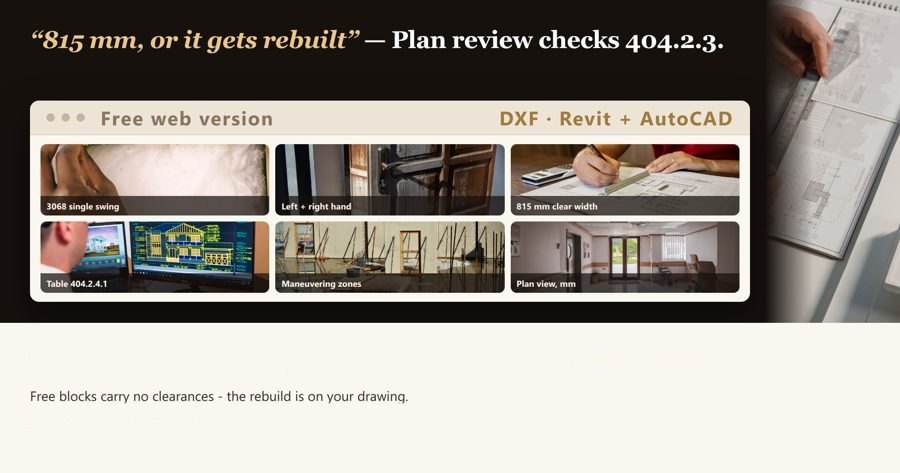
Revit Door Families - UK Door Block Library in mm: 14 doors on standard 838 x 1981 and 926 x 2040 leaves, effective clear width marked on every block (DXF - imports into Revit, AutoCAD, SketchUp)Revit Door Families - UK Door Block Library in mm: 14 doors on standard 838 x 1981 and 926 x 2040 leaves, effective clear width marked on every block (DXF - imports into Revit, AutoCAD, SketchUp)An 838 mm leaf gives 803 mm effective clear width at 90 degrees; the same 838 width in a 44 mm FD30 leaf gives 794 mm, under the 800 mm…FreeFull version $100EVA foam armor patterns drawn to your body: knight and fantasy, kids and adultsEVA foam armor patterns drawn to your body: knight and fantasy, kids and adultsPrintable EVA foam armor patterns, redrawn for your tape measurements: knight and elven dragon-scale sets, kids 4–6 to adult XL, shaped…Mastering Rack Pack for Ableton Live 12 (Master Bus, Club PA, Rap Vocal, Drum Bus, Voice + Check Rack)6 racks built only from Live's own EQ Eight, Saturator, Utility and Limiter: 33 devices and 112 settings, each one with the reason it is…FreeFull version $40Wedding Videography LUTs for Every Light on the Wedding DayWedding videography LUTs: 22 .cube looks, one per wedding-day light. Preview any of them on your own frame, free, in your browser.FreeFull version $100Furniture CAD blocks for restaurants: does your aisle pass?Furniture CAD blocks for restaurants: does your aisle pass?Type the gap between your table edges, the accessway length and your seat count. See at once whether the aisle meets the IBC table-seating…FreeFull version $59Revit Door Family Blocks - 14 ADA-Dimensioned US Commercial Doors (DXF, imports into Revit, AutoCAD and SketchUp)Revit Door Family Blocks - 14 ADA-Dimensioned US Commercial Doors (DXF, imports into Revit, AutoCAD and SketchUp)A door that does not deliver 815 mm (32 in) of clear width fails ADA 404.2.3 at plan review and the opening gets rebuilt - these blocks…FreeFull version $100