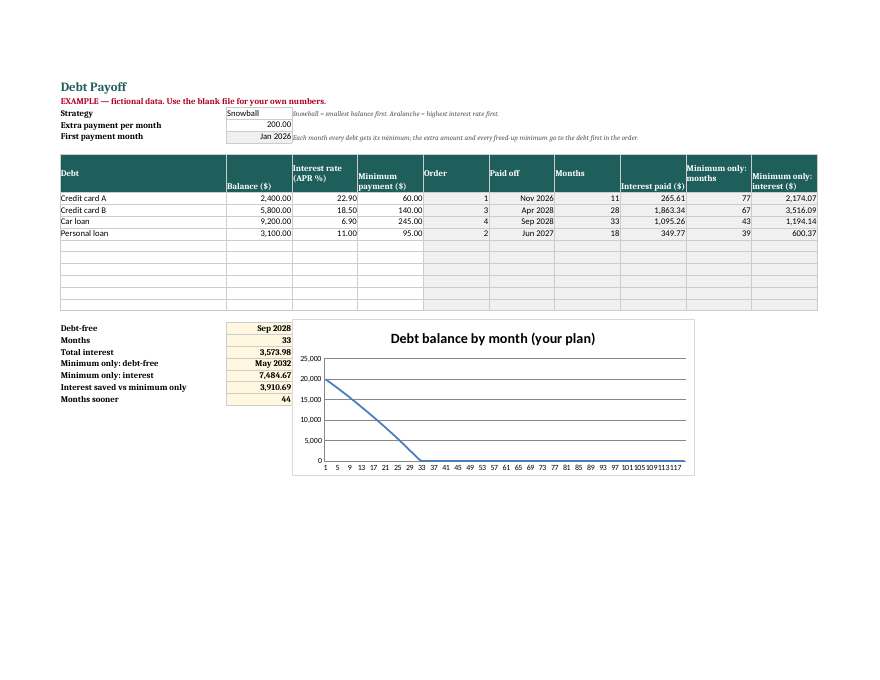
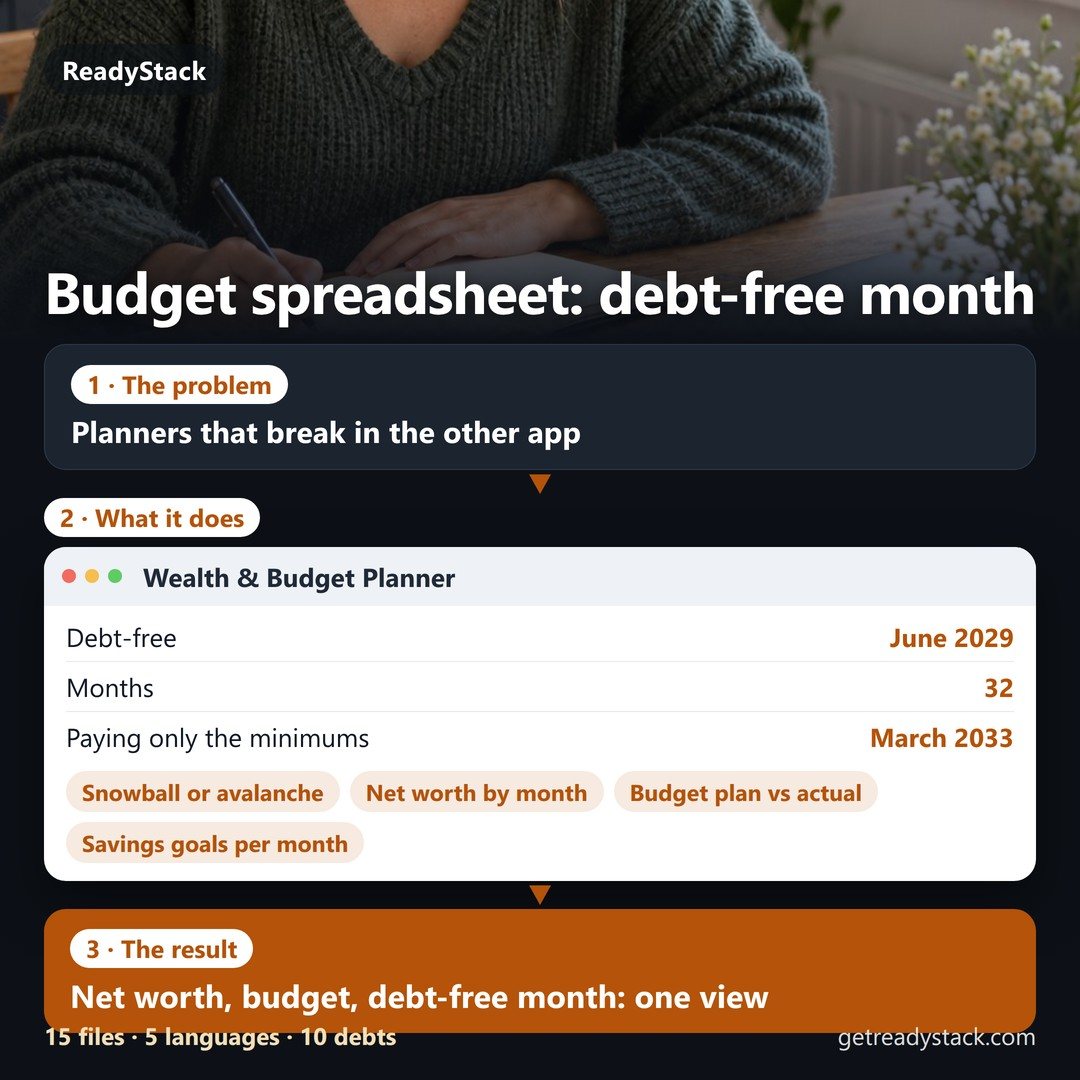
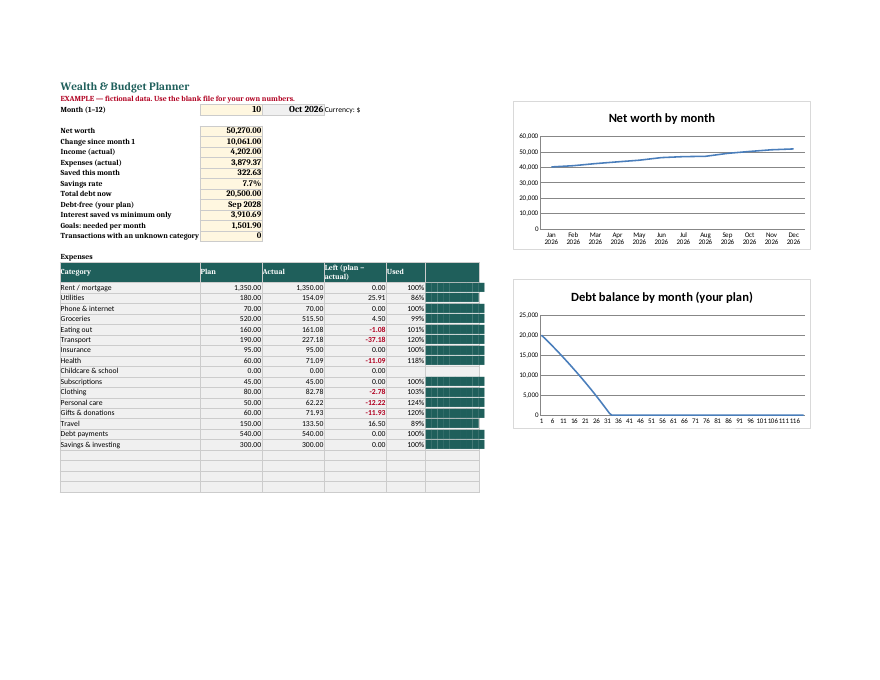
Net worth, budget, debt payoff and savings goals in one workbook for Excel and Google Sheets, in 5 languages.
Budget planner spreadsheet google sheets excel – Wealth & Budget Planner for Excel and Google Sheets
Example of the result this page gives you

Try it freeFull version →

How it works
  1. Put your own numbers into the free version below — no sign-up.
  2. Your result shows up right here, as you type.
  3. Want to keep it, print it or do it again next time? That is what the full version adds — see "What you get".

Published 2026-10-25 · ReadyStack
Try it freeFull version →
ReadyStack

    Budget planner spreadsheet google sheets excel – Wealth & Budget Planner for Excel and Google Sheets
    Budget planner spreadsheet google sheets excel – Wealth & Budget Planner for Excel and Google Sheets


    Email me this result
    A copy of what you see above, in your inbox — the tool stays free, nothing here is locked.
    People like you also use
    Everything for Planners and trackers → · ReadyStack Pass — every tool in one subscription · All tools →

    Questions and answers

    What does this page do?

    Net worth, budget, debt payoff and savings goals in one workbook for Excel and Google Sheets, in 5 languages.

    Is it free?

    Yes. The free version on this page works without an account.

    How do I use it?

    1. Put your own numbers into the free version below — no sign-up. 2. Your result shows up right here, as you type. 3. Want to keep it, print it or do it again next time? That is what the full version adds — see "What you get".

    Ask about this tool

    One question, answered by the person who built it. Your email only if you want the answer sent.

    Privacy: your e-mail is used only to send you the answer. A question appears on this page only after it is answered, without your e-mail.

    For a team or company: for an invoice with your company details, a quote or several licences, write to support@getreadystack.com.

    Who is behind this page

    ReadyStack is a small team. We build each tool for one job people keep asking about, from the rules and sources named on the page, and we run it on the worked example you see here before it goes live.

    How we check our pages: each rule names its source and the day we read it.

    Something looks wrong, or you are stuck? Write to support@getreadystack.com or use the contact form. It goes to our own inbox, not to a bot.

    About ReadyStack

    More in Planners & spreadsheets See all →