shopify payout reconciliation: why the deposit is not your sales: card fees, refunds, chargebacks and journal entry
Example of the result this page gives you
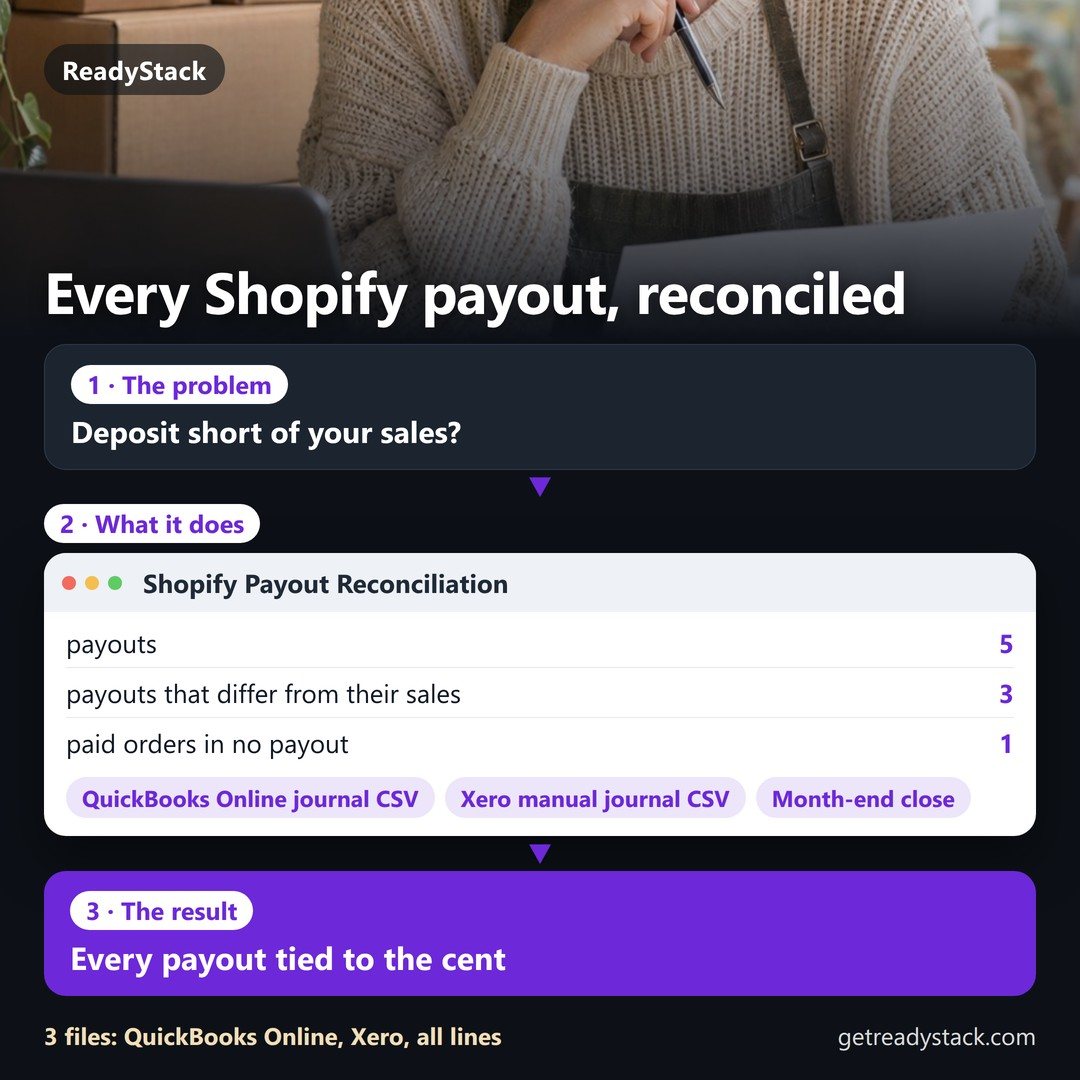
Example (made-up, exactly as in the file): a $7,590.00 Shopify Payments deposit for 140 orders is $78.22 short of the payout its orders add up to, $566.30 of it is sales tax you owe, not income, and Shopify kept $9.05 of card fees on $312.00 of refunds - money lost if you book the deposit as sales.
Put your own numbers into the free version below — no sign-up.
Your result shows up right here, as you type.
Want to keep it, print it or do it again next time? That is what the full version adds — see "What you get".
What you get: QuickBooks Online and Xero journal import files for every payout at once with your account names, all-lines CSV, the month-end close report to print/PDF, bank statement import and matching, saved…
Example (made-up, exactly as in the file): a $7,590.00 Shopify Payments deposit for 140 orders is $78.22 short of the payout its orders add up to, $566.30 of it is sales tax you owe, not income, and Shopify kept $9.05 of card fees on $312.00 of refunds - money lost if you book the deposit as sales.
Sync apps push orders into QuickBooks; this rebuilds the payout itself from your plan's card rate, the 30¢ per charge, the 1% on international cards and the $15 US chargeback fee, then writes the balanced journal entry, so you see the gap before you reconcile the bank. Type one payout from Shopify (Finance > Payouts) below; the gap and the journal entry appear at once.
Everything updates as you type. Nothing is uploaded. This runs in your browser.
Why the bank deposit is not your sales
What you lose: a Shopify Payments deposit is one net number. In the made-up example the $7,590.00 deposit still holds $566.30 of sales tax you owe (7.46% of it), and it already lost $295.78 of card fees, $312.00 of refunds and a $144.00 chargeback. Booked as sales, the tax is counted as income and the fees never reach your expenses. And the deposit is $78.22 short of what its own charges add up to, money you cannot explain at month end.
The rules a calculator app does not know: Shopify Payments US online card rates are 2.9% (Basic), 2.7% (Grow), 2.5% (Advanced) and 2.25% (Plus) + 30¢ per charge, premium cards 3.5/3.3/3.1/2.95%, international cards +1% (shopify.com/pricing, read 11 November 2026). A US chargeback takes the disputed amount and a $15 fee (Shopify Help, chargeback process). On a refund, "the original credit card transaction fee isn't refunded to you" (Shopify Help, refunds): 2.9% × $312.00 = $9.05 kept in the example.
Where the gap usually is: premium cards, reserves, holds, a negative balance and adjustments all change a payout (Shopify Help, lower or missing payouts). Open the payout's transactions and look for those lines; until then the gap sits in suspense, not in sales.
What others charge: payout-to-books apps on the Shopify App Store list A2X from $29 a month, Bold QuickBooks Sync Pro $19.99 to $59.99, Bookkeep $19 to $199, Payout Match $19 and Finaloop $245 a month (read 11 November 2026). A 1-star review of Bold Sync Pro says it "does not provide the costs of the transaction for payment processing". Here the fees are the first row.
No risk: the reconciliation above is free and complete for your own payout, no sign-up. The full version is a file you own: paid once, no subscription. It does not connect to Shopify, QuickBooks or Xero; you copy the payout in and post the entry yourself.
Next step: type the journal entry into QuickBooks Online or Xero against the deposit, then look up any gap in the payout's transactions. Do it for every payout before you file sales tax for the month.
Rates are Shopify's published US rates on the date above and change; overwrite the card rate with your plan's rate.
Get the full calculatorFull version: all tabs, your own file, works offline.
Sent. Check your inbox.
Enter your email above and we will unlock the download.
Get the full version $47
QuickBooks Online and Xero journal import files for every payout at once with your account names, all-lines CSV, the month-end close report to print/PDF, bank statement import and matching, saved months with carry-over, one key for the team.
One payment, one licence key for this tool. The key is shown right after payment.
Bold QuickBooks Sync Pro $19.99–$59.99/month ($0.15 per order over 200 on Starter); A2X $29–$115/month by orders; Synder from $65/month; Bookkeep $19–$99/month (read 2026-11-10).
For businesses: your name and logo instead of ours, and each visitor’s result + e-mail in your inbox (only when they tick consent) — Pro from $19/month. See Pro →
Same job, next tool
Free in the browser. The full version is a one-time licence.
A copy of what you see above, in your inbox — the tool stays free, nothing here is locked.
Questions and answers
What does this page do?
shopify payout reconciliation: rebuild a payout from charges, refunds, $15 chargebacks and card fees, find the gap to the bank, get the journal entry.
Is it free?
Yes. The free version on this page works without an account. The full version ($47) adds: QuickBooks Online and Xero journal import files for every payout at once with your account names, all-lines CSV, the month-end close report to print/PDF, bank statement import and matching, saved…
How do I use it?
1. Put your own numbers into the free version below — no sign-up. 2. Your result shows up right here, as you type. 3. Want to keep it, print it or do it again next time? That is what the full version adds — see "What you get".
Ask about this tool
One question, answered by the person who built it. Your email only if you want the answer sent.
For a team or company: for an invoice with your company details, a quote or several licences, write to support@getreadystack.com.
Who is behind this page
ReadyStack is a small team. We build each tool for one job people keep asking about, from the rules and sources named on the page, and we run it on the worked example you see here before it goes live.