Shopify inventory forecasting · reorder point · safety stock · purchase orders · no app install
Not included yet: automatic sync with your Shopify store — you load your own Orders and Inventory exports.
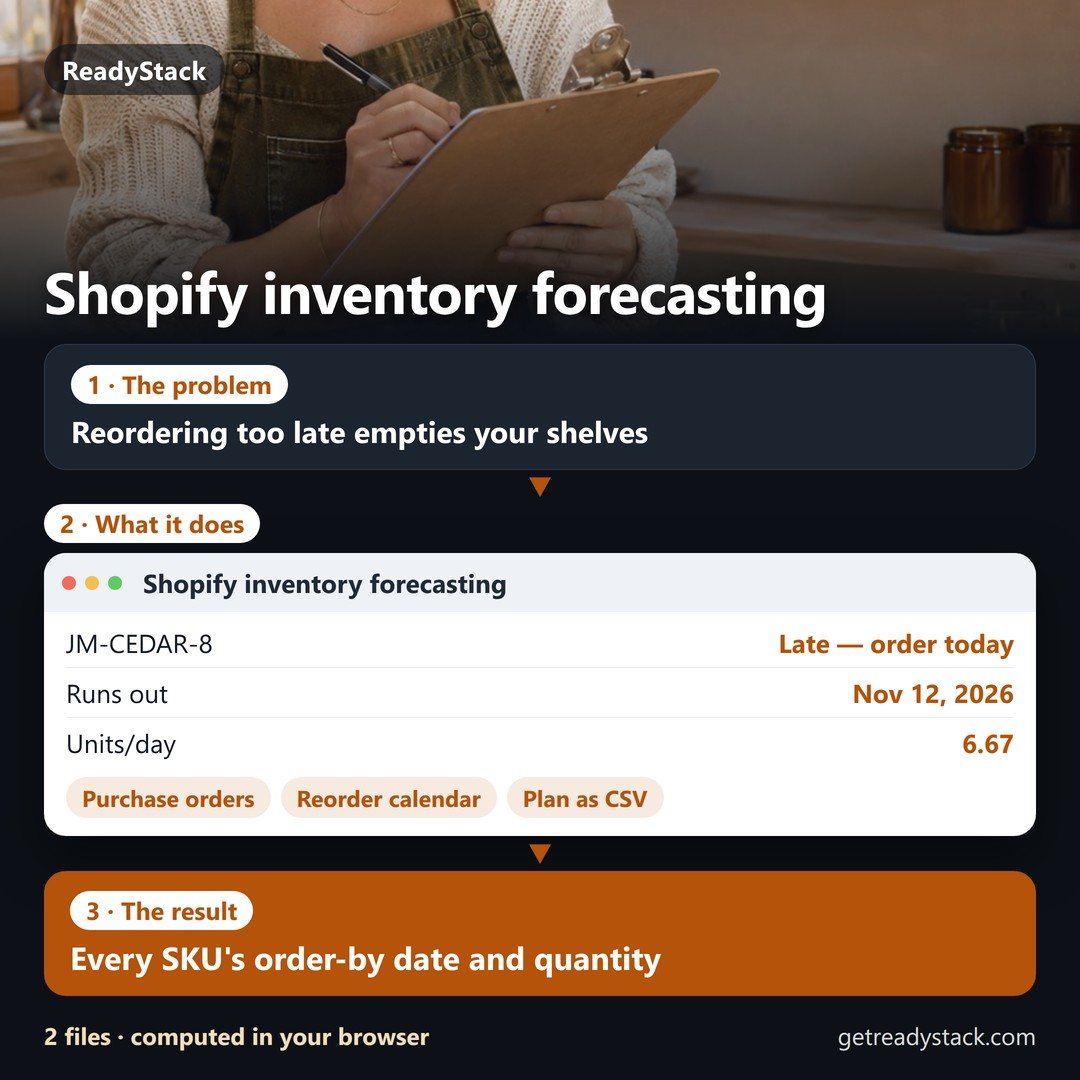
Shopify inventory forecasting from your own Orders and Inventory exports, in your browser: for every SKU the stockout date, the reorder-by date with your supplier's lead…
Try it freeFull version · $490 / year →
Selected: 1-year subscription — $490 for 12 months, paid up front.
Prefer to pay monthly? $49 / month
Renewal and cancellation: the 1-year subscription renews automatically every 12 months at $490 until you cancel. Cancel any time before the renewal date in your Whop account (Profile → Orders → Cancel membership); you keep access until the end of the year you paid for and are not charged again.
Published 2026-11-09 · ReadyStack
This tool is 1 of 333 paid tools in English. All 333 with one key: Freelancer & Small Business Pass — $9.99/month · $79/year · Deadline reminders by email (free)
Shopify inventory forecasting from your own Orders and Inventory exports, in your browser: for every SKU the stockout date, the reorder-by date with your supplier's lead time, the order quantity and the sales you lose if the order is late.
Yes. The free version on this page works without an account. The full version costs $49 / month.
1. Put your own numbers into the free version below — no sign-up. 2. Your result shows up right here, as you type. 3. Want to keep it, print it or do it again next time? That is what the full version adds — see "What you get".
One question, answered by the person who built it. Your email only if you want the answer sent.
For a team or company: for an invoice with your company details, a quote or several licences, write to support@getreadystack.com.
ReadyStack is a small team. We build each tool for one job people keep asking about, from the rules and sources named on the page, and we run it on the worked example you see here before it goes live.
How we check our pages: each rule names its source and the day we read it.
Something looks wrong, or you are stuck? Write to support@getreadystack.com or use the contact form. It goes to our own inbox, not to a bot.
ReadyStack
Calculators, templates and deadlines for the rules that change every year — free in your browser.

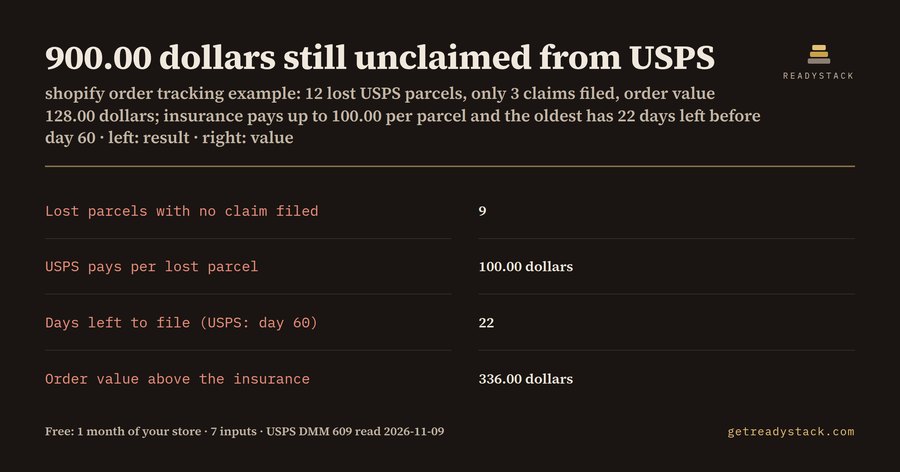 Order tracking app — lost USPS package claim calculator
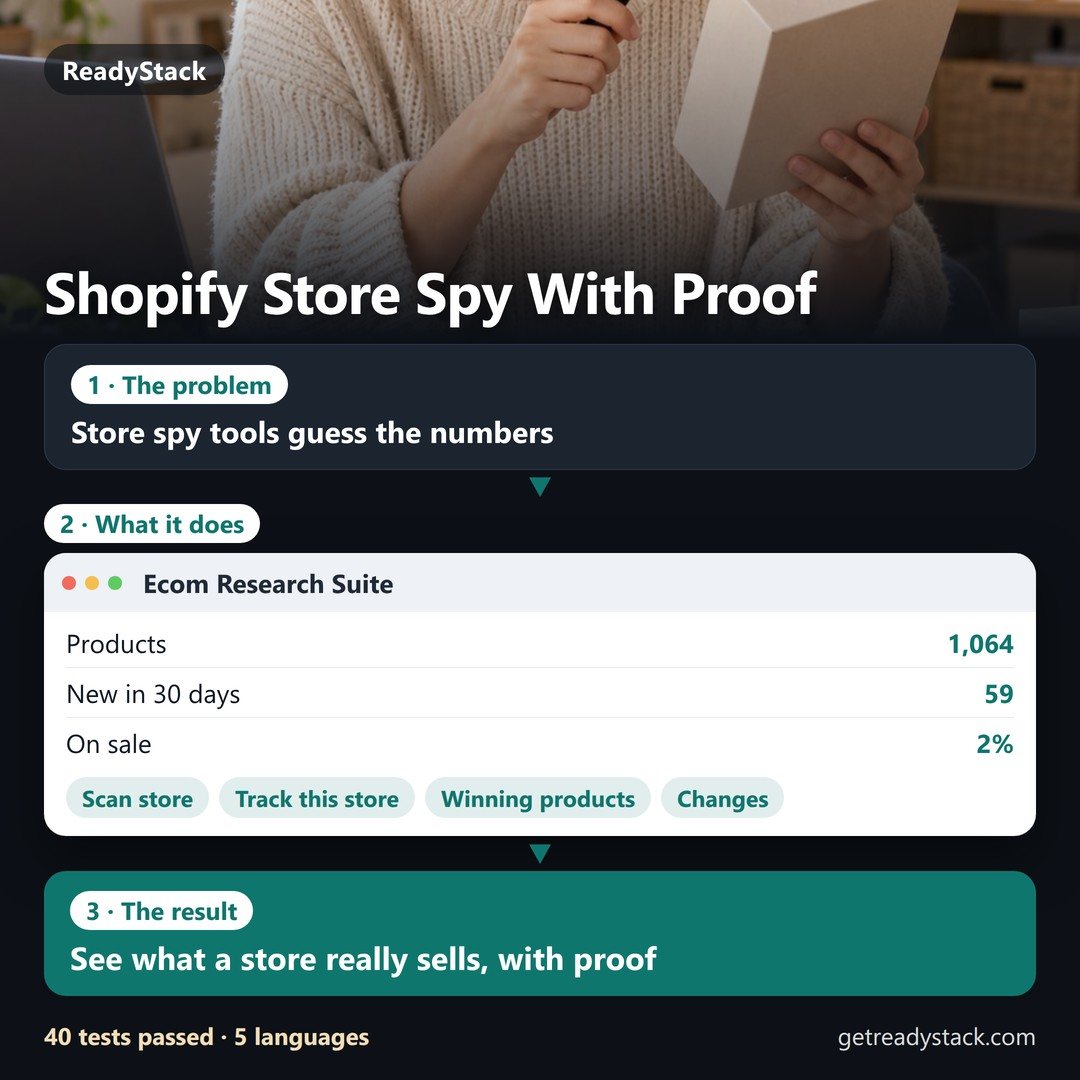 Spy on any Shopify store — with proof, not guesses