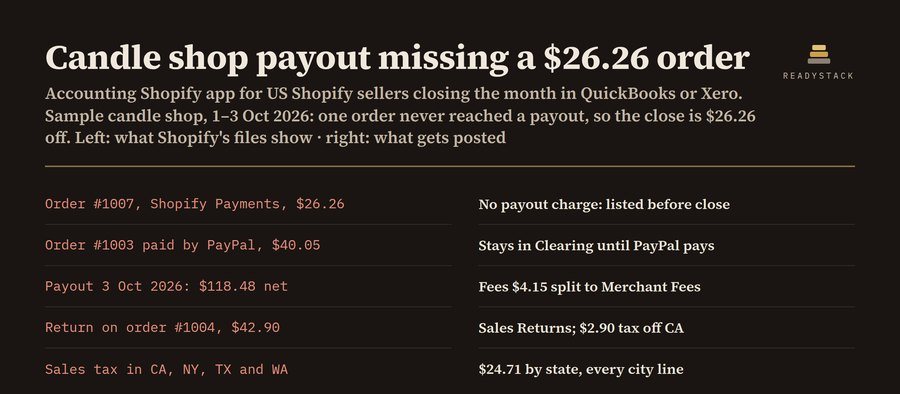
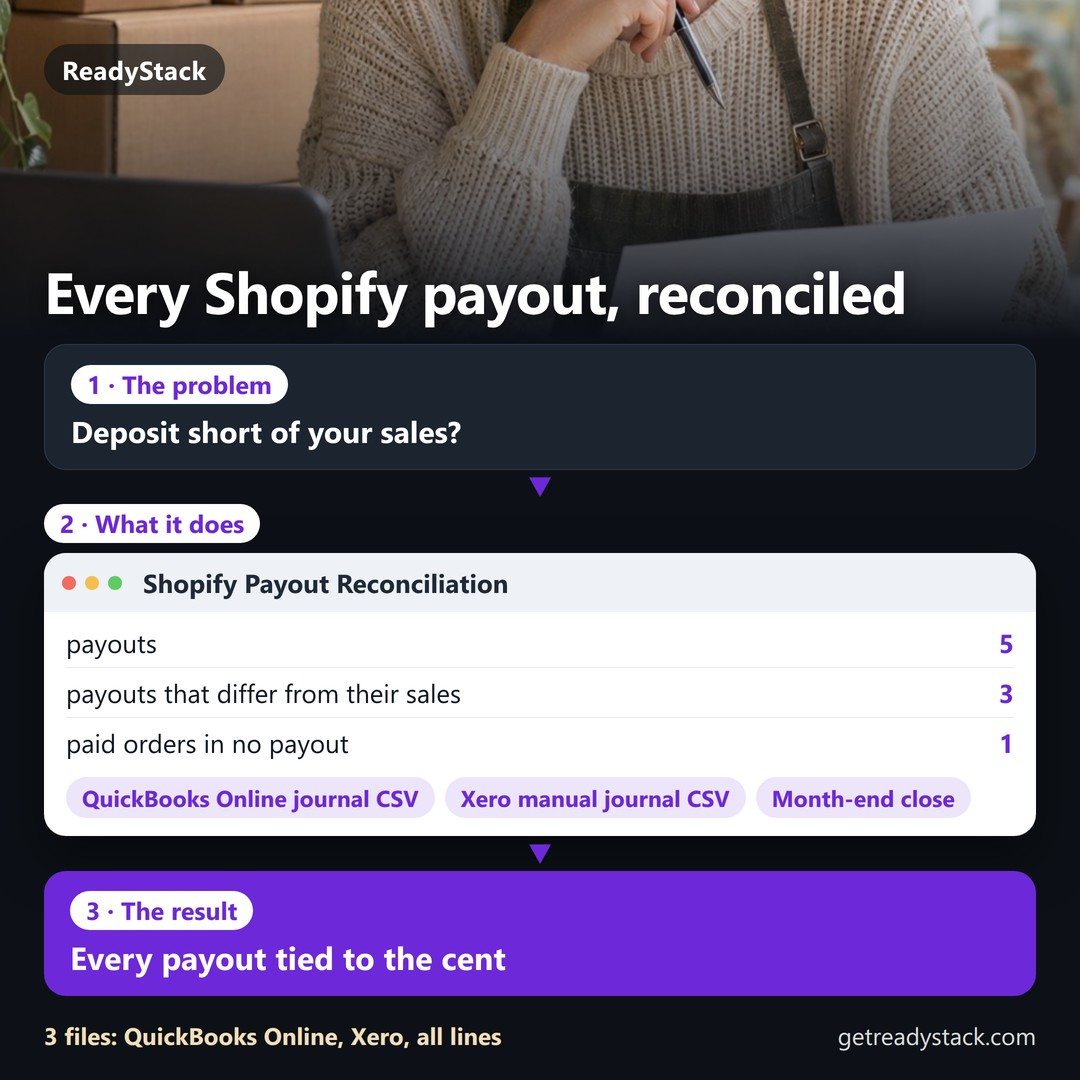
You get one balanced sales journal per day, one journal per payout with the processing fees split out, every Shopify Payments order that never reached a payout, and sales tax collected by state.
Put your own numbers into the free version below — no sign-up.
Your result shows up right here, as you type.
Want to keep it, print it or do it again next time? That is what the full version adds — see "What you get".
What you get: Pro adds 6 things for the books you keep every month: a saved ledger that merges every export without counting an order twice, several stores, a QuickBooks Online journal import file, a Xero manual…
Renewal and cancellation: the 1-year subscription renews automatically every 12 months at $99 until you cancel. Cancel any time before the renewal date in your Whop account (Profile → Orders → Cancel membership); you keep access until the end of the year you paid for and are not charged again.
Load the two CSV files Shopify already gives you. You get one balanced sales journal per day, one journal per payout with the processing fees split out, every Shopify Payments order that never reached a payout, and sales tax collected by state. No store login, no app permissions, no sync quota: the files are read in this browser tab and never uploaded.
1. Your Shopify files
Account names (QuickBooks) and account codes (Xero)
Role
Account name
Xero code
Pro adds 6 things for the books you keep every month: a saved ledger that merges every export without counting an order twice, several stores, a QuickBooks Online journal import file, a Xero manual journal import file, the sales-tax-by-state file for any month, quarter or year you have loaded, and month close with a SHA-256 fingerprint that warns when a closed month changes. $99 per year · $12 per month
2. Pro: keep the books
Pro is not active on this browser.
How the journals are built
Daily sales journal (one per day and currency, dated by “Paid at”): debit Shopify Clearing with the order totals, debit Sales Discounts, credit Sales with the price before discounts, credit Shipping Income, and credit Sales Tax Payable with one line per state.
Returns journal: debit Sales Returns, credit Shopify Clearing, dated on the day the payout file shows the money going back to the customer. Without the payout file it is put on the order day and the memo says so.
Payout journal (one per payout): debit Payouts in Transit with the net deposit, debit Merchant Fees, credit Shopify Clearing with charges less returns. Code the bank deposit to Payouts in Transit; the amounts match to the cent.
Clearing check: what is left in Shopify Clearing is split into orders paid through other gateways (PayPal, bank deposit) and Shopify Payments orders with no charge in the payout file.
Orders with status pending, authorized, voided or expired are not posted and are listed.
A bookkeeping tool: it arranges your own Shopify numbers. Not tax, legal or financial advice; check sales tax filings with your state or your accountant.
Questions and answers
What does this page do?
Turn your Shopify orders export and payout export into balanced daily sales journals, payout journals with fees split out, a list of orders that never.
Is it free?
Yes. The free version on this page works without an account. The full version ($99 per year) adds: Pro adds 6 things for the books you keep every month: a saved ledger that merges every export without counting an order twice, several stores, a QuickBooks Online journal import file, a Xero manual…
How do I use it?
1. Put your own numbers into the free version below — no sign-up. 2. Your result shows up right here, as you type. 3. Want to keep it, print it or do it again next time? That is what the full version adds — see "What you get".
Ask about this tool
One question, answered by the person who built it. Your email only if you want the answer sent.
For a team or company: for an invoice with your company details, a quote or several licences, write to support@getreadystack.com.
Who is behind this page
ReadyStack is a small team. We build each tool for one job people keep asking about, from the rules and sources named on the page, and we run it on the worked example you see here before it goes live.