Your Obsidian vault, set up in one click — in your language

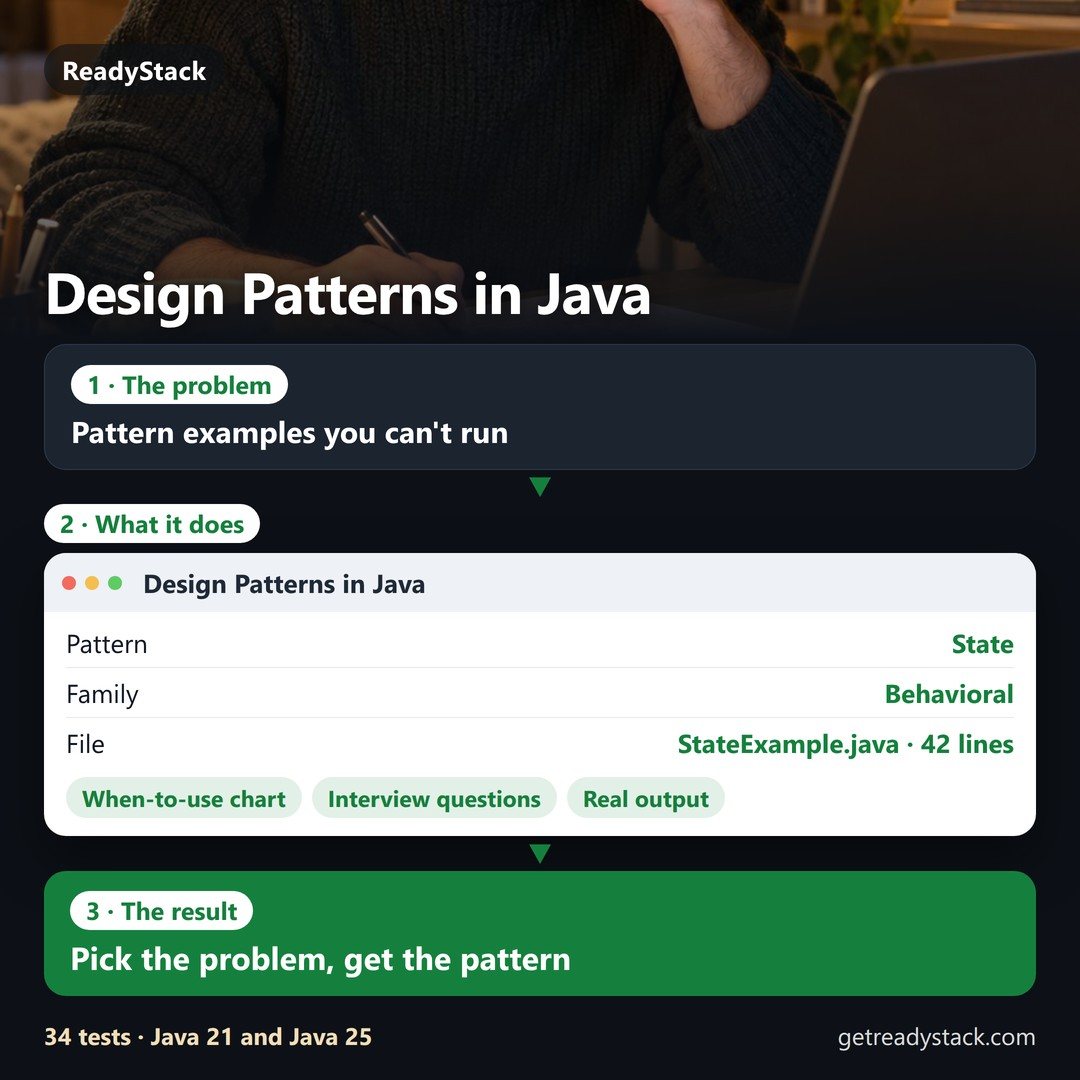
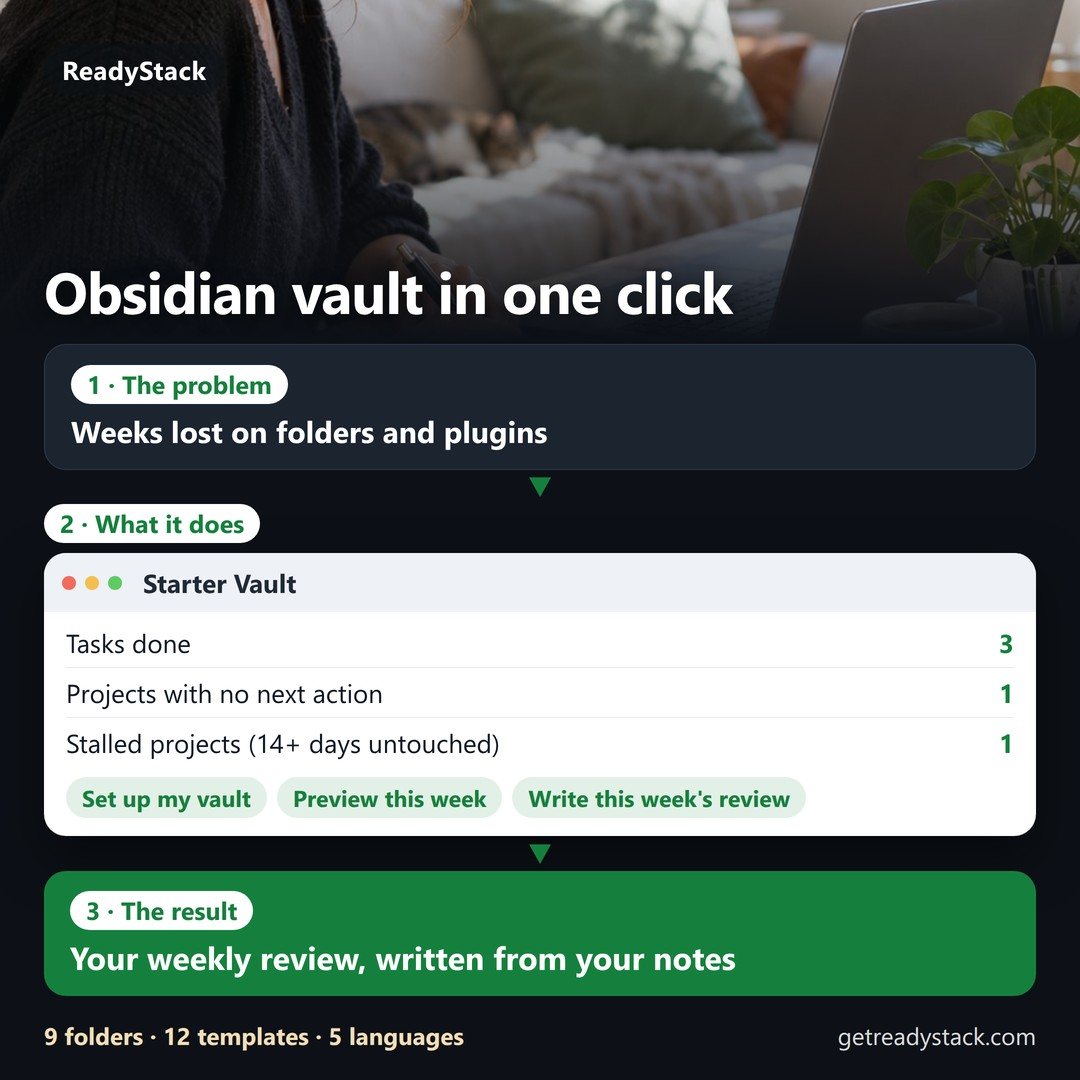
People lose their first weeks in Obsidian deciding on folders and plugins.

Your Obsidian vault, set up in one click — in your language
Example of the result this page gives you

Try it freeFull version · $59 / year →

Selected: 1-year subscription — $59 for 12 months, paid up front.

Prefer to pay monthly? $6 / month

Renewal and cancellation: the 1-year subscription renews automatically every 12 months at $59 until you cancel. Cancel any time before the renewal date in your Whop account (Profile → Orders → Cancel membership); you keep access until the end of the year you paid for and are not charged again.

How it works
  1. Put your own numbers into the free version below — no sign-up.
  2. Your result shows up right here, as you type.
  3. Want to keep it, print it or do it again next time? That is what the full version adds — see "What you get".

Published 2026-10-27 · ReadyStack

Try it freeFull version →
ReadyStack

Obsidian plugin · English · Deutsch · Español · Português · 日本語

People lose their first weeks in Obsidian deciding on folders and plugins.

9 folders · 12 templates · 11 commands · Obsidian alone, no other plugin · desktop and mobile · tested in Obsidian 1.14.5

Get Pro

Plugin and starter vault: free. Pro: $39 once. Packs club: $6/month or $59/year — a new template pack every month.

1 · See it on a vault

Your own folder is read in this browser only. Nothing is uploaded.

Real screens from Obsidian 1.14.5

Captured by the plugin's end-to-end test in the real Obsidian app.

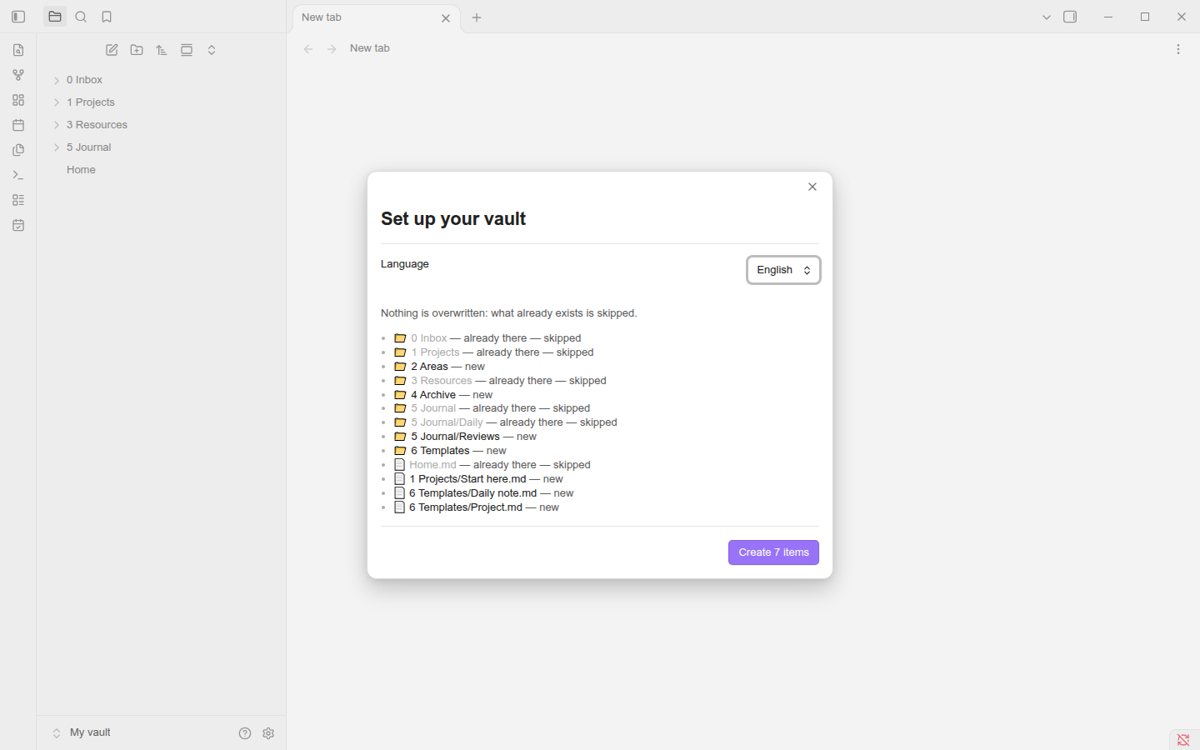
Obsidian: the Set up your vault window lists 0 Inbox, 1 Projects, 3 Resources and Home.md as already there — skipped, and 2 Areas, 4 Archive and the journal folders as new.
Setup lists every item first
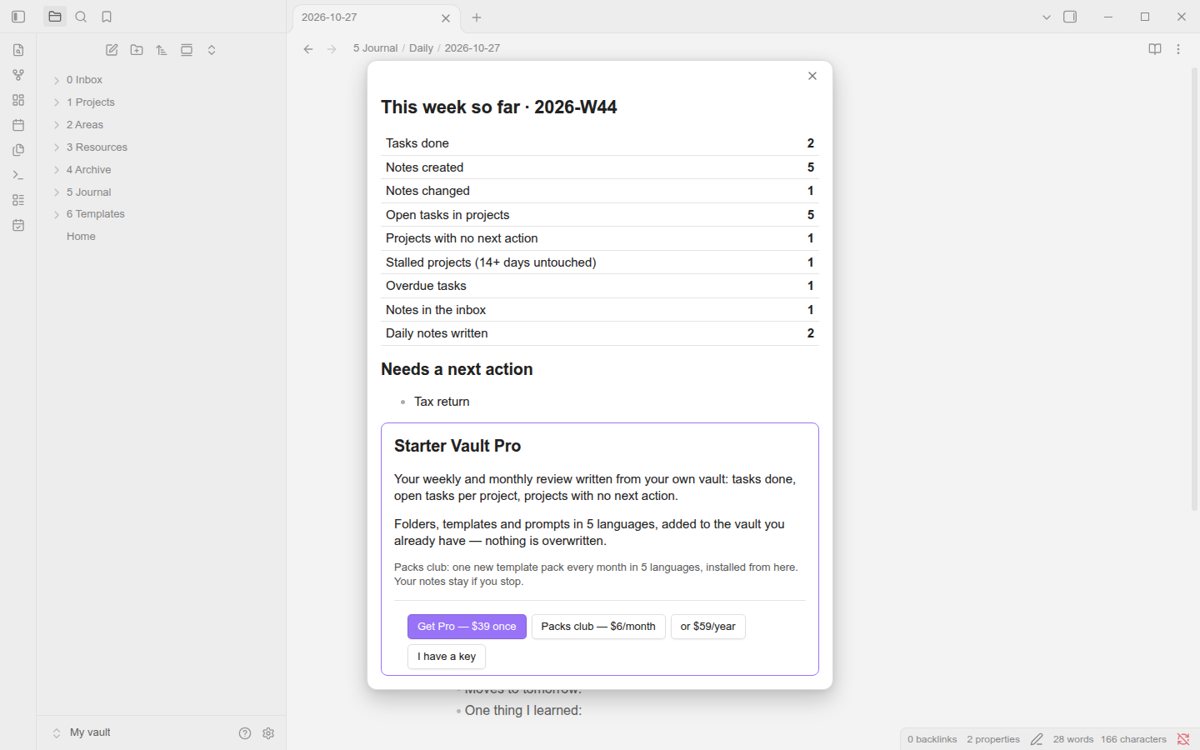
Obsidian: This week so far 2026-W44 — tasks done, notes created, open tasks in projects, projects with no next action, stalled projects, overdue tasks, notes in the inbox, daily notes written.
This week's numbers
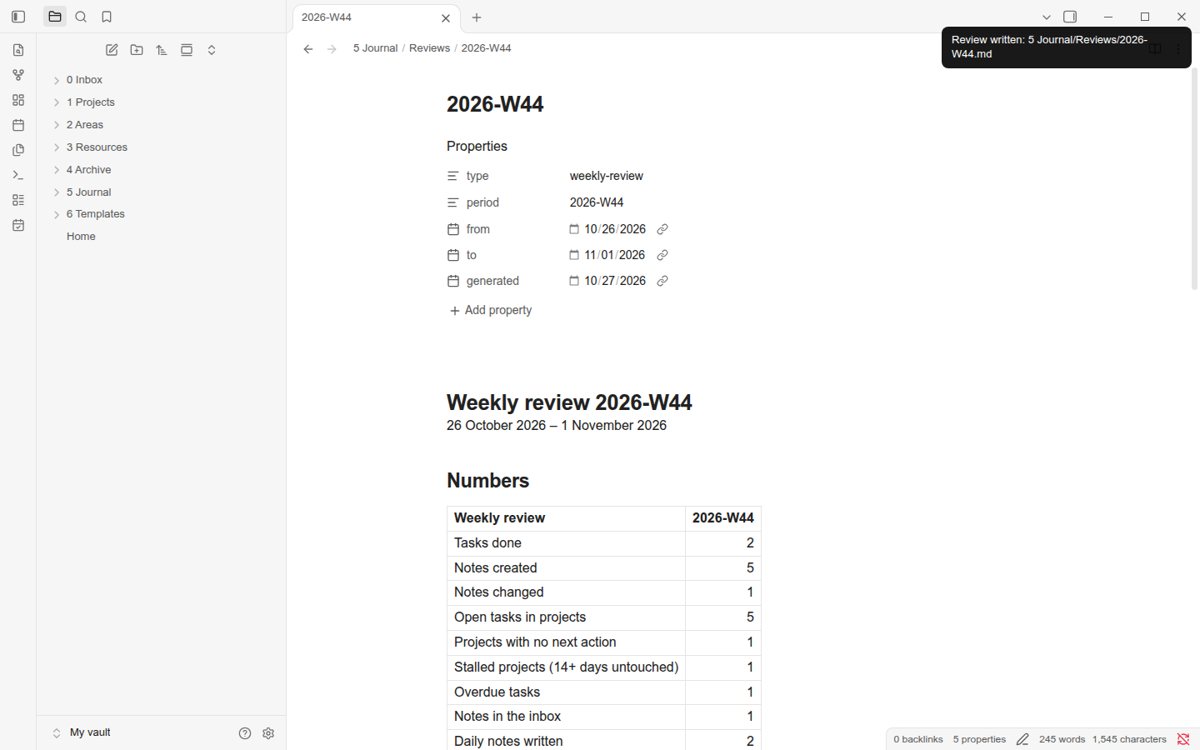
Obsidian: the note 5 Journal/Reviews/2026-W44 with a Numbers table written by the plugin.
The weekly review Pro writes
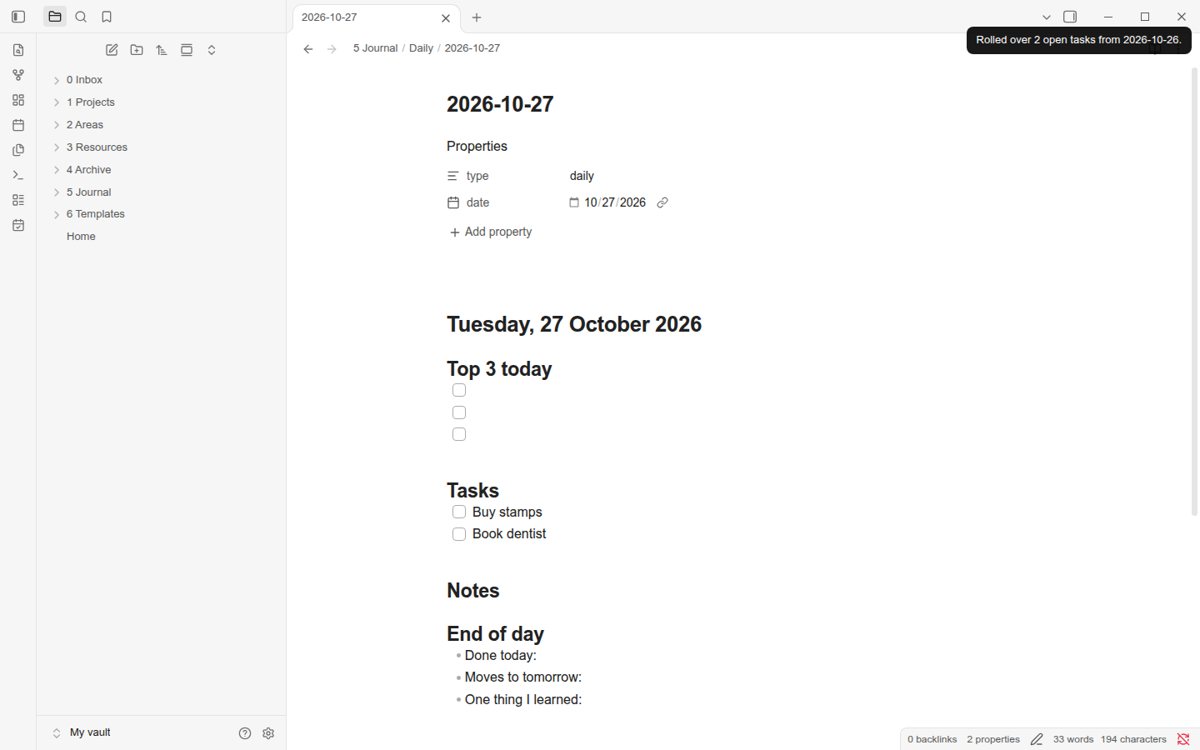
Obsidian: today's daily note with yesterday's open tasks Buy stamps and Book dentist under Tasks.
Open tasks rolled over

2Download the starter vault

The same folders and notes as a zip, in the language you picked above.

3Install the plugin

Source and releases on GitHub

4Free, Pro, Packs club

Have a key?

Paste the key from your Whop receipt.

Questions

Email me this result
A copy of what you see above, in your inbox — the tool stays free, nothing here is locked.

More tools for the same work

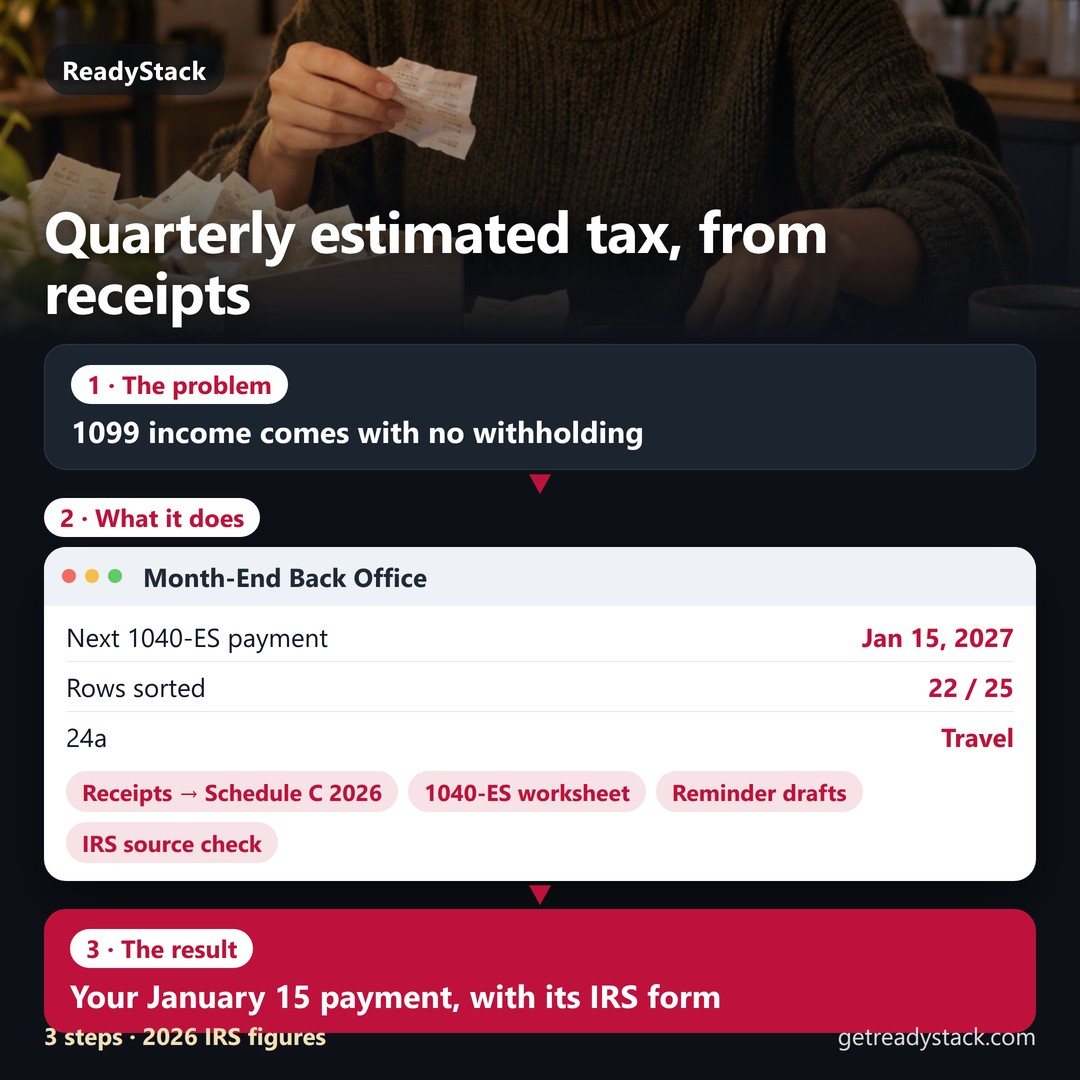
Your Obsidian vault, set up in one click — in your languageVideo Summary & NotesNotes with times that jumpFree versionYour Obsidian vault, set up in one click — in your languageautomation scripts · Pythonautomation scripts: find unpaid invoices, dedupe contacts, sort files, previewed firstFree versionYour Obsidian vault, set up in one click — in your languageMonth-End Back Office for US Freelancers - Schedule C, 1040-ES, remindYour January 15 payment, with its IRS formFree versionYour Obsidian vault, set up in one click — in your languageLinkedIn outreach toolsNote + 2 follow-ups, then dated remindersFree version
People like you also use
Everything for Planners and trackers → · ReadyStack Pass — every tool in one subscription · All tools →

Questions and answers

What does this page do?

Set up PARA folders, a Home note, a daily note and project notes in the Obsidian vault you already have — nothing is overwritten — in English, German, Spanish, Portuguese or Japanese.

Is it free?

Yes. The free version on this page works without an account. The full version costs $6/month.

How do I use it?

1. Put your own numbers into the free version below — no sign-up. 2. Your result shows up right here, as you type. 3. Want to keep it, print it or do it again next time? That is what the full version adds — see "What you get".

Ask about this tool

One question, answered by the person who built it. Your email only if you want the answer sent.

Privacy: your e-mail is used only to send you the answer. A question appears on this page only after it is answered, without your e-mail.

For a team or company: for an invoice with your company details, a quote or several licences, write to support@getreadystack.com.

Who is behind this page

ReadyStack is a small team. We build each tool for one job people keep asking about, from the rules and sources named on the page, and we run it on the worked example you see here before it goes live.
How we check our pages: each rule names its source and the day we read it.

Something looks wrong, or you are stuck? Write to support@getreadystack.com or use the contact form. It goes to our own inbox, not to a bot.

About ReadyStack

More in Developer tools See all →